A plan can look affordable until the checkout total reflects a different mailbox count, term, or tax amount than you expected. Before confirming a BITTU Mail purchase, write down what you intend to buy and compare it with the live figures shown at /pricing or in authenticated checkout. This simple approval check helps catch mismatches while you can still pause and review them. It also makes the decision easier to explain to a colleague or approver, without relying on remembered prices or assuming that an alias counts as a separate mailbox.
The useful bits
- Record the mailbox count and intended term before opening checkout.
- Compare those details with the live checkout summary and total, including applicable taxes.
- Pause if any detail is unclear; confirm the purchase only when the displayed order matches your plan.
Write down the order you actually need
Start with the people or functions that need independent mailboxes. Record the number of mailboxes, the plan you are considering, and the term you intend to select. If someone else is approving the expense, include who prepared the request and who will review it. This creates a reference point before the live checkout figures are in front of you.
Be precise about what you are counting. A mailbox alias is not automatically an independent mailbox or login. If a person needs their own mailbox, count that separately from any alias arrangement. Avoid adding a mailbox merely because a name or address appears in a list; first decide what account access and storage the user actually needs.
Approval note
Plan under consideration: Business Standard
Independent mailboxes: 3
Intended term: [term shown at checkout]
Approver: [name or role]
Do not confirm until the live order matches this note.
Check the plan against the storage need
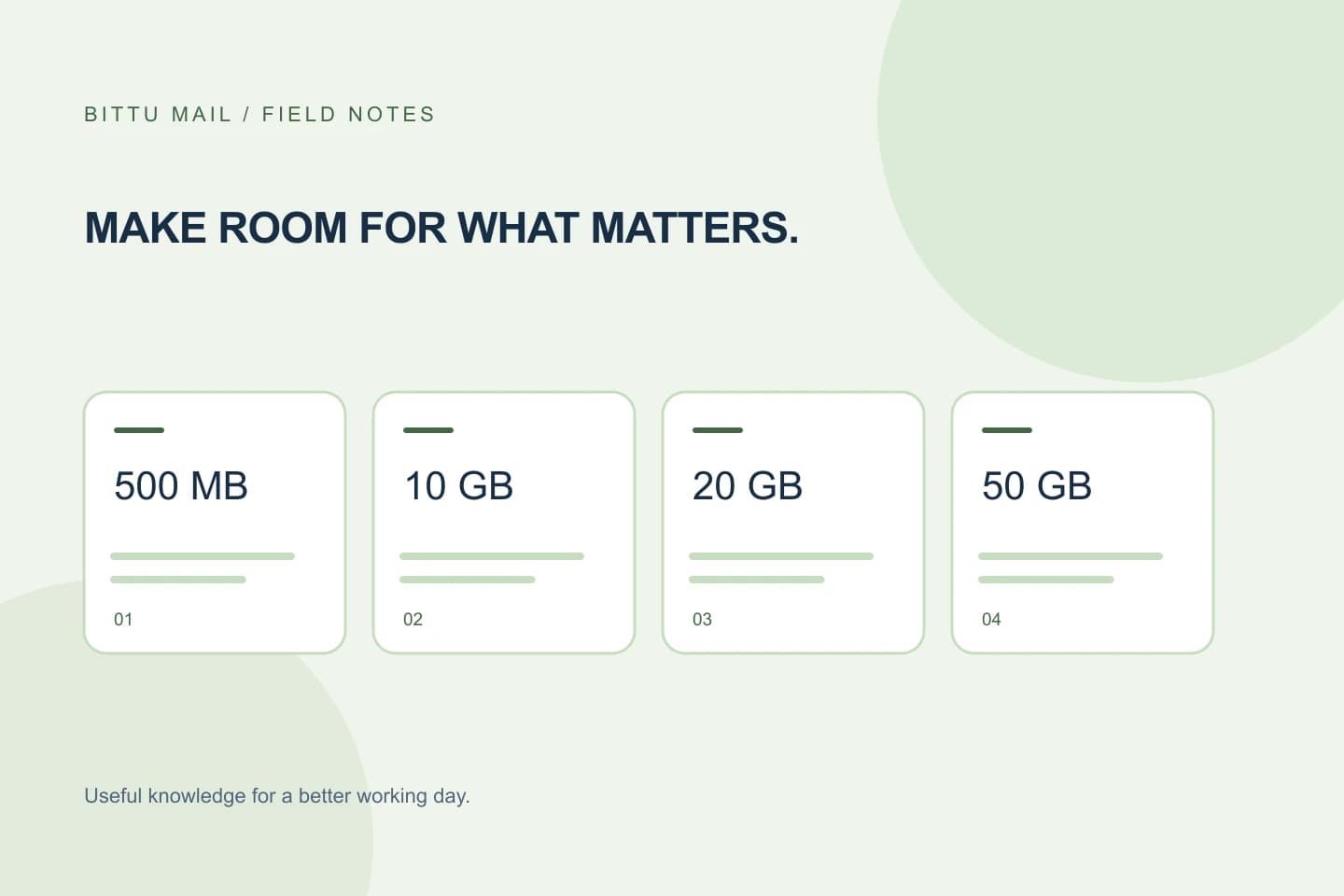
BITTU Mail business plans provide different storage amounts per mailbox: Starter provides 10 GB, Standard 20 GB, and Premium 50 GB per mailbox. Compare the per-mailbox allowance with the expected use of each account, rather than treating the total as one shared pool unless the current plan information explicitly says so. Do not assume that a higher allowance changes the number of mailboxes in your order.
Free personal @bittumail.tech mailboxes start with 500 MB. That is a separate option from the business plans. If your purchase is for a business workspace, check the current plan details rather than applying the personal mailbox allowance to a business order.
Use live figures, not a saved estimate
Open the public pricing page at /pricing or review the figures in authenticated checkout. Prices, availability, upfront term totals, applicable taxes, and renewal terms can change or depend on the order. For that reason, do not treat an old email, spreadsheet, screenshot, or verbal estimate as the amount to approve.
Read the displayed order summary carefully. Locate the selected plan, mailbox quantity, selected term, upfront total, and any tax shown. If a tax amount is not displayed or a label is unclear, do not guess what the final charge will be. Use the information presented by the pricing page or authenticated checkout to decide whether you have enough detail to proceed.
Compare each line before confirming
Compare the live order with your written approval note one item at a time. The plan name should match, the mailbox count should match, and the term should be the one you intended to choose. Then review the upfront total and applicable taxes as displayed. A total that seems plausible is not enough if the quantity or term is wrong.
If another person is responsible for the budget, share the current checkout details with them before completing the purchase. Ask them to approve the displayed order, not just the plan name. If you change the quantity or term after approval, repeat the comparison because the order details and total may have changed.
- Plan: intended choice matches the live summary.
- Mailbox count: matches the number of independent mailboxes requested.
- Term: matches the approved selection.
- Total: reviewed with any applicable tax shown.
Pause when the figures do not line up
If the summary differs from your note, stop before confirming. Check whether an extra mailbox was selected, whether the intended term is still selected, or whether the plan changed. If the reason for a difference is not clear, return to /pricing or review the authenticated checkout information rather than making an assumption.
A trial should not be treated as a substitute for this budget check. A 30-day Starter trial is limited to one claim per eligible domain, and availability and eligibility are checked by the server. Check the current offer and your eligibility where presented; do not assume a trial is available or that it changes the live paid-order terms.
Confirm the result and keep a record
When the live order matches the approved plan, count, and term, and you understand the displayed upfront total and applicable taxes, you can make an informed decision about whether to confirm. Afterward, check the account or purchase information available to you and compare it with the order you approved. Controls and account details can depend on role, plan, and provisioning state, so a workspace administrator may need to review them.
Keep a brief record of the order details and the approval, following your organisation’s usual process. If the resulting account information does not match the purchase you confirmed, pause further changes and use the account’s available support or administrative route to clarify the discrepancy. One-time checkout does not, by itself, imply an automatic charge or mandate; review the renewal terms shown for the specific order.
About this guide
Prepared with AI assistance for the BITTU Mail editorial library. Check important details against your original messages and current account settings. Product access depends on your role, plan and provisioning state. Provider interfaces and requirements can change.
View current plans · Security information · Suggest a correction