A plan change can affect more than the label attached to a mailbox. Before confirming, make sure the checkout is for the mailbox and destination plan you intend, and read the storage allowance and every timing or billing detail shown on screen. Availability and terms can depend on the current offer and account, so a price or trial detail from an earlier visit may not apply. This guide gives you a practical way to review what is actually presented, spot uncertainty, and confirm the change only when the details match your needs.
The useful bits
- Check the selected mailbox and destination plan before proceeding.
- Compare the displayed storage allowance with your expected use.
- Use the current pricing or authenticated checkout details, not assumptions.
Start with the mailbox and destination
First identify which mailbox you intend to change. If you administer several mailboxes or a workspace, do not assume that selecting a plan applies to all of them—or to the mailbox you have in mind. Check the account or mailbox context displayed in the pricing or authenticated checkout flow before moving forward.
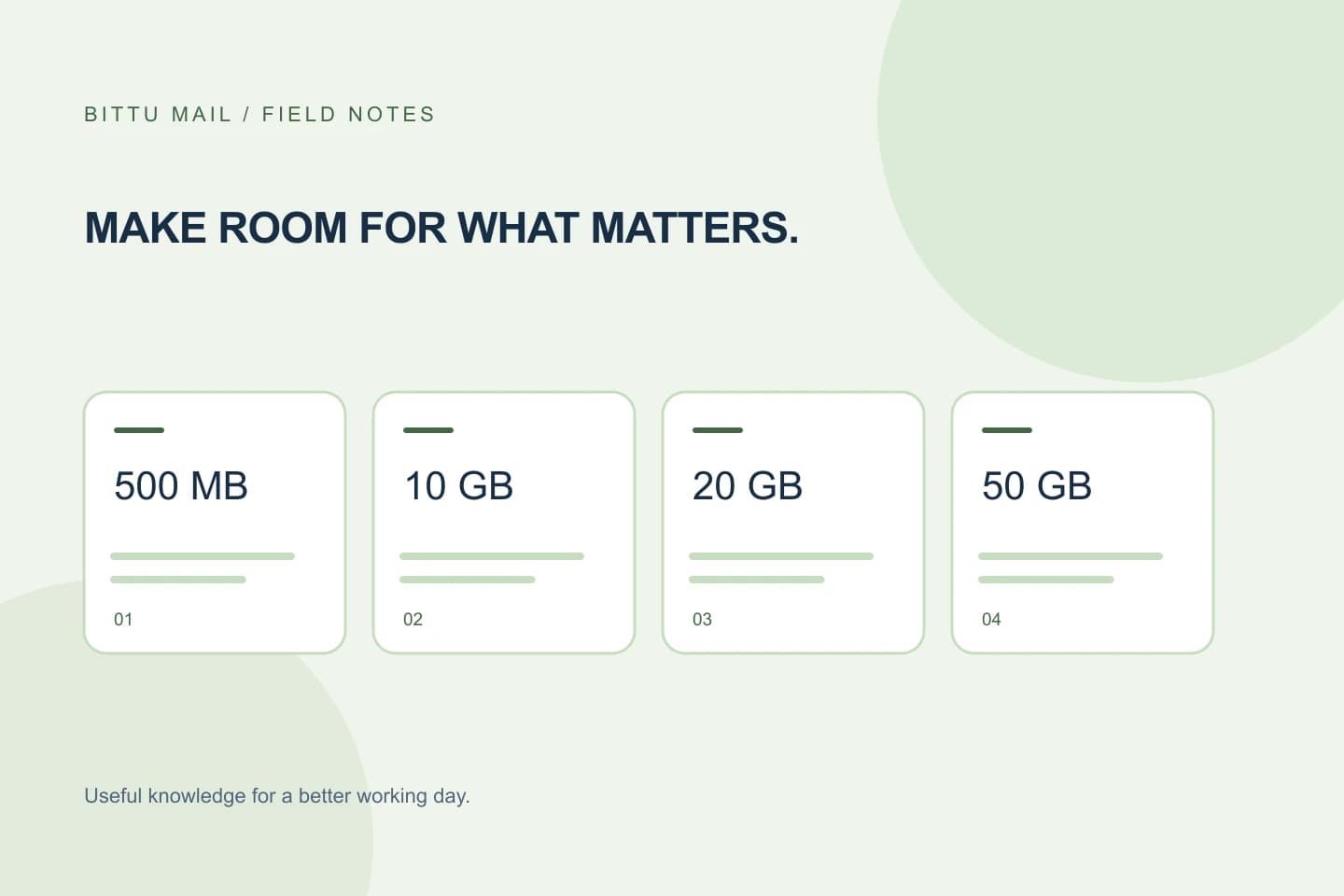
Then verify the destination plan by its displayed name. BITTU Mail personal free mailboxes start with 500 MB. Business Starter, Standard, and Premium provide 10, 20, and 50 GB per mailbox respectively. These are published plan allowances; the checkout should still be your reference for the offer and account currently available to you.
Compare storage with the job you need it to do
Think about why you are considering a change: for example, whether the mailbox needs more room for ongoing mail and attachments, or whether you are setting up a business mailbox. Compare that need with the allowance shown for the destination. Do not treat an alias as an independent mailbox with its own login or storage; an alias is not automatically a separate mailbox.
Make sure you are comparing the allowance per mailbox, especially if you manage multiple addresses. If the plan display or account context leaves it unclear which mailbox receives the allowance, pause rather than infer how storage is allocated. Ask through the appropriate account or workspace route before confirming.
Example: You intend to change the mailbox alex@example.com to Business Standard. Before continuing, confirm that the selected account is alex@example.com, that Standard is the destination, and that the displayed allowance is 20 GB for that mailbox. If the screen instead shows another mailbox or an unclear allocation, stop and resolve that mismatch.
Check availability and eligibility at the time
Offers and access can be conditional. Use the current details at /pricing or in authenticated checkout rather than relying on a saved note, an earlier screen, or what another account can see. Availability is checked for the specific situation presented to you; a plan being listed publicly does not establish that it is available to every mailbox or domain.
If you are considering the 30-day Starter trial, eligibility and availability are server-checked, and the trial is limited to one claim per eligible domain. Do not assume that a domain qualifies because it has not used a trial on a particular mailbox, or that a trial shown elsewhere will be offered to your account.
Read the timing and billing summary line by line
Before confirming, inspect any displayed start timing, term, renewal information, upfront total, taxes, and other billing details. Live prices, the total due for an upfront term, taxes, availability, and renewal terms must be checked at /pricing or in authenticated checkout. This article cannot determine what your checkout will show, and no numeric price should be assumed from the plan name alone.
Check that you understand what is due now and what the screen says about later billing or renewal. A one-time checkout does not, by itself, imply an automatic charge or mandate. If a timing or billing item is missing, ambiguous, or different from what you expected, do not confirm until you have clarified it through the account’s available support or checkout information.
Use a short pre-confirmation checklist
Before selecting the final confirmation, compare the checkout with your intention rather than relying on memory. Check the account context and destination again after reviewing the terms; selection changes or returning to an earlier step can leave a different choice in place.
- The intended mailbox or account is shown.
- The destination plan name and per-mailbox storage allowance match your choice.
- The plan or trial is available to this account or eligible domain as displayed.
- Timing, upfront total, taxes, and renewal details are clear and acceptable.
- You know whether you are making a one-time checkout or accepting any separately stated billing terms.
Confirm the result without guessing
If the details match, proceed through the authenticated checkout and keep the confirmation or transaction record available for your own reference. Afterward, check the account or mailbox information presented to you for the resulting plan or storage details, if those details are available for your role and the mailbox’s provisioning state. Do not infer completion solely from having opened checkout or clicked a preceding step.
If the destination or allowance does not appear as expected, or the change is not reflected, avoid repeating a purchase just to test it. Recheck the checkout record and use the account’s available help route to clarify the status. Workspace controls and account actions depend on role, plan, and provisioning; administrators should use only the workspace areas they are authorised to manage.
About this guide
Prepared with AI assistance for the BITTU Mail editorial library. Check important details against your original messages and current account settings. Product access depends on your role, plan and provisioning state. Provider interfaces and requirements can change.
View current plans · Security information · Suggest a correction