A domain, with a home for your team.
Choose Starter, Standard or Premium. Your workspace administrator manages domain setup, staff mailboxes, aliases and forwarding within your plan limits.
PROFESSIONAL BUSINESS EMAIL
Give customers a professional address such as hello@yourcompany.com. Choose an affordable email hosting plan, manage your team’s mailboxes and work together in your business workspace.
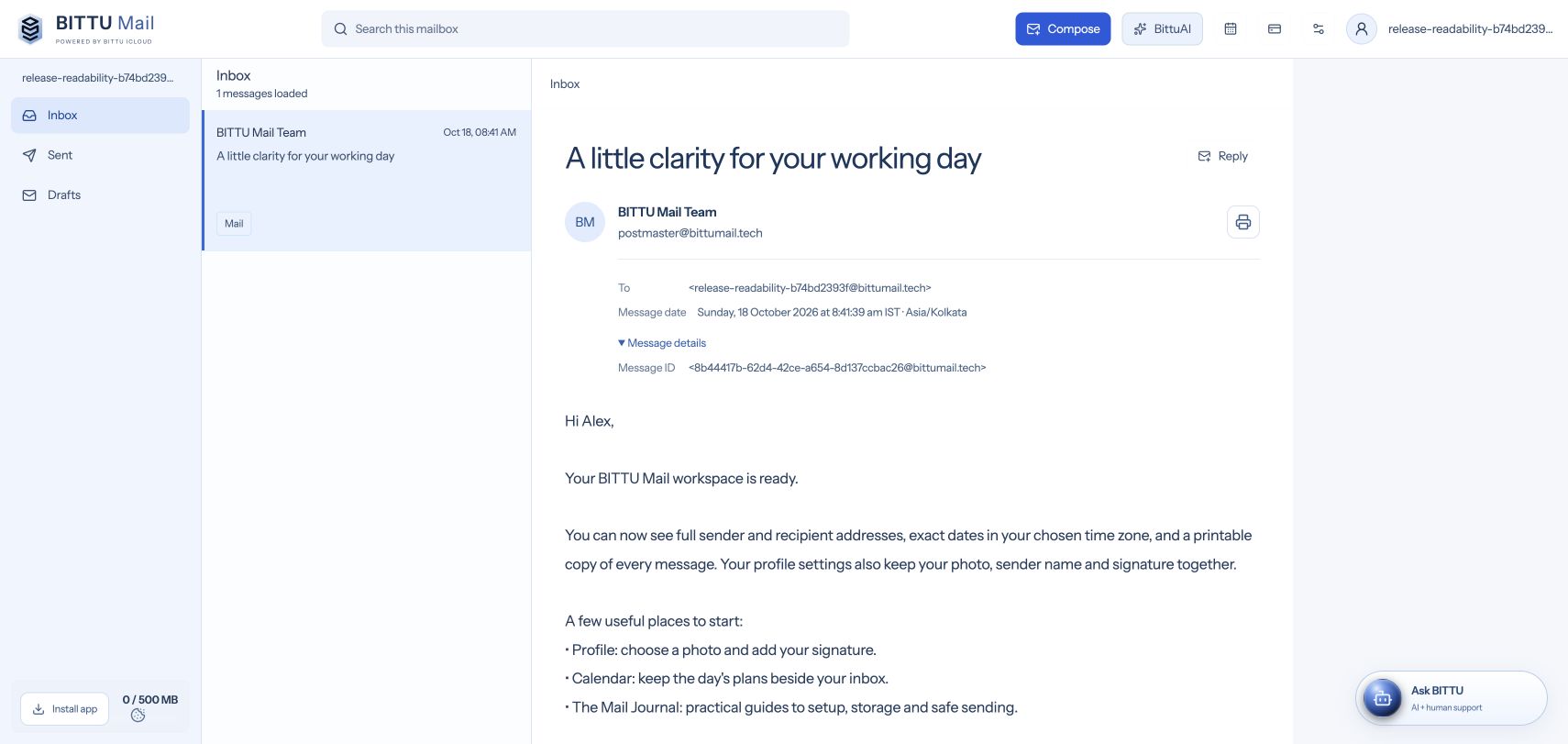 YOUR COMPANY / YOUR IDENTITY
Mail. Calendar. Account control.
A familiar place to return to.
Choose Starter, Standard or Premium. Your workspace administrator manages domain setup, staff mailboxes, aliases and forwarding within your plan limits.
DNS records and diagnostics are available to your own authorized domain administrators and the BITTU ICLOUD team. There is no public domain lookup tool.
Compare 1, 12, 24 and 48-month terms on the pricing page. Business email is priced per mailbox: check the monthly equivalent, total paid upfront, renewal rate and applicable taxes before choosing. Start with the space your team needs and review larger plans as you grow.
Starter includes 10 GB per mailbox, 5 aliases and 10 forwarding rules. Standard increases those limits to 20 GB, 10 aliases and 20 rules. Premium provides 50 GB, 30 aliases and 50 rules, with free-domain eligibility on terms of 12 months or longer. Plan features and the selected term are confirmed at checkout.
Workspace owners and administrators can upload the company logo and edit its display name. Staff can manage their own sender names, photos and signatures. Legal names and tax details for invoices remain in Billing, separate from visual branding.
Plan your domain switch before replacing mail records. Keep a copy of your old configuration and important messages, check staff access, then verify the exact records supplied in your private workspace. A DNS update and a data migration are separate jobs; contact support if you need a migration plan.
YOUR NEXT STEP