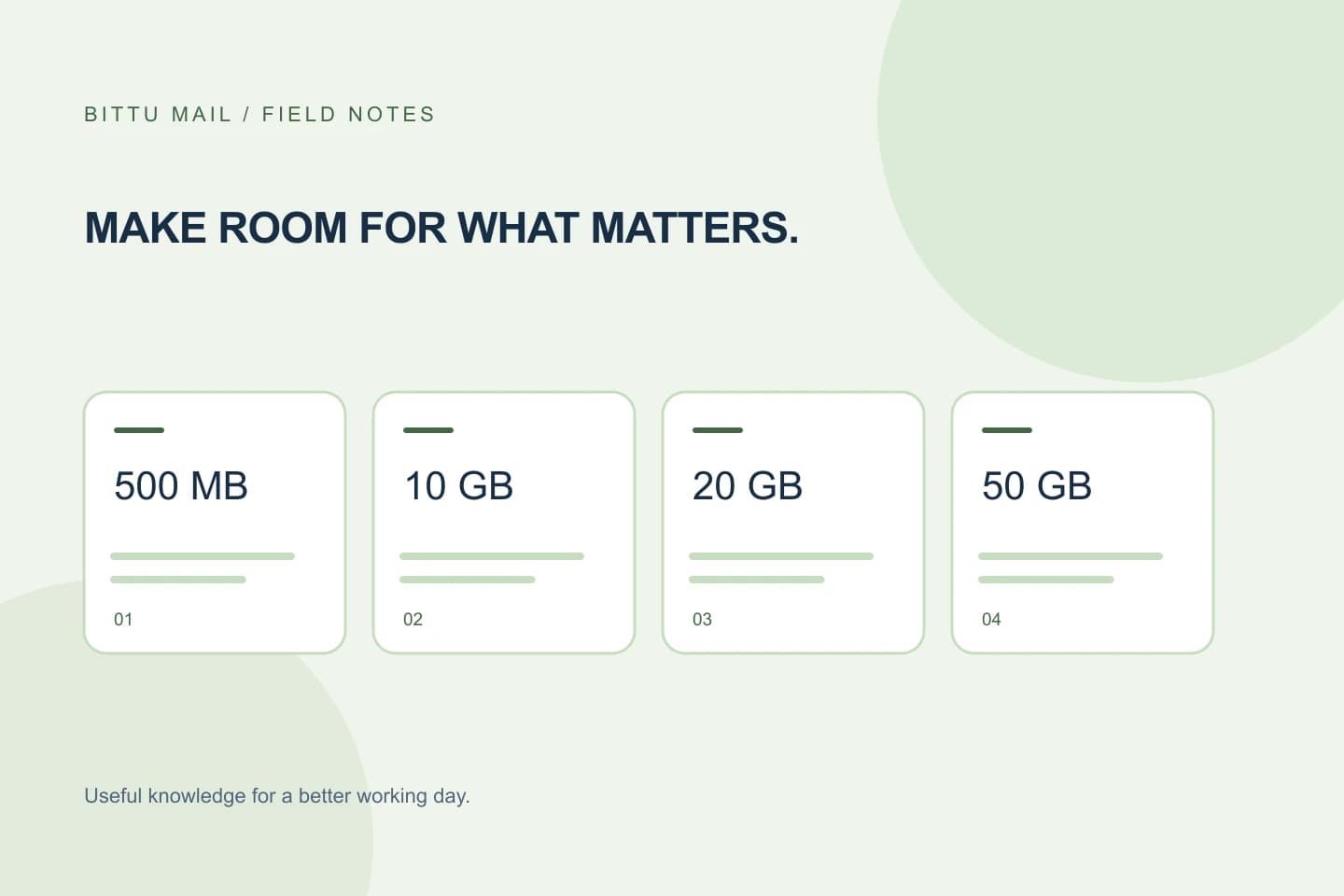
When one employee handles large attachments or keeps years of correspondence, a business may need more room for that mailbox without assuming every account needs the same capacity. BITTU Mail’s business options provide 10, 20 or 50 GB per mailbox. The useful comparison is therefore not just “Which plan is biggest?” but “Which mailboxes need which allowance, and what will the current terms cost?” Start by estimating needs account by account, then verify the available plans and checkout details before changing anything.
The useful bits
- Compare storage needs mailbox by mailbox; an alias is not a separate mailbox or login.
- Match frequent attachment and retention needs to the 10, 20 or 50 GB options.
- Check live pricing, term totals, taxes, availability and renewal terms before purchase.
Make a mailbox-by-mailbox inventory
List the actual mailboxes your team uses and note what each one is for. A sales address that receives proposals and attachments may have different storage needs from a mailbox used mainly for brief internal messages. Include shared operational accounts if they are real mailboxes, but do not count an alias as an extra mailbox: an alias is not automatically an independent storage allowance or sign-in.
Next, consider what makes each mailbox grow: attachments, frequent incoming correspondence, and how long people keep messages. You do not need a precise forecast to make a useful first comparison. Record which accounts seem comfortable, which are approaching their limits, and which are likely to need more room. Avoid assuming that every person has the same usage pattern.
Compare capacity against the work
The business storage choices are 10 GB for Starter, 20 GB for Standard and 50 GB for Premium, per mailbox. Treat those figures as allowances to compare with the needs you identified—not as a promise that a certain type of workload will fit. The right choice depends on the mailbox’s contents and how those contents change over time.
A mailbox with modest correspondence may not need the largest allowance simply because it is available. A mailbox that regularly receives large files or must retain substantial correspondence may justify considering a larger option. Where the need is uncertain, check the current account information and plan terms rather than assuming that a future upgrade, downgrade or transfer will work in a particular way.
Illustrative planning note:
orders@example.com — frequent supplier attachments; review for 20 GB or 50 GB
sales@example.com — ordinary correspondence; compare with 10 GB
info@example.com — confirm whether this is a mailbox or an alias
Compare the whole account, not only the biggest mailbox
Write down the capacity choice you are considering for each mailbox, then check how the account would be priced under the available plan and billing terms. Do not infer the total from a per-mailbox storage figure. Current prices, upfront term totals, taxes, availability and renewal terms must be checked at BITTU Mail’s pricing page or in authenticated checkout.
Compare the same purchasing period and account scope when reviewing choices. If checkout shows a total or terms that differ from what you expected, pause and resolve that difference before completing the purchase. Prices and availability can change, so an old note or estimate is not a substitute for the current pricing information.
Check eligibility and account conditions
If you are considering the 30-day Starter trial, eligibility and availability are checked by the service, and the trial is limited to one claim per eligible domain. Do not build a plan around receiving a trial until the current offer is available to your domain. Review the displayed terms as part of that check.
A one-time checkout does not by itself imply an automatic charge or mandate. Still, read the checkout details carefully so you understand the purchase, upfront total and renewal terms that apply. Account controls and available actions can depend on your role, plan and provisioning state; if an option is not available, confirm that you are acting with the appropriate account access rather than assuming the mailbox is already changed.
Use a short decision checklist
Before choosing, work through this list for each mailbox. It keeps the decision tied to actual use rather than a blanket assumption about the whole team.
- Identify whether the address is an independent mailbox or an alias.
- Note attachment volume, correspondence patterns and retention needs.
- Compare the need with 10, 20 and 50 GB per-mailbox options.
- Check current price, term total, taxes, availability and renewal terms.
- Confirm the account’s role, plan and provisioning allow the intended action.
Confirm the outcome after a change
After an authorised account owner or administrator completes a change, confirm it in the account or workspace information available to their role. Check that the intended mailbox is associated with the selected plan and that its displayed storage allowance reflects the choice. If the plan or mailbox details are not clear, use the authenticated account route for help rather than relying on an old screenshot or an assumed menu path.
Finally, revisit the inventory after the team has used the mailbox for a while. If the observed need differs from the estimate, compare the available options and current terms again before making another change. This process helps keep a larger allowance focused on the mailboxes that need it, while avoiding claims about storage behavior or plan changes that the account has not confirmed.
About this guide
Prepared with AI assistance for the BITTU Mail editorial library. Check important details against your original messages and current account settings. Product access depends on your role, plan and provisioning state. Provider interfaces and requirements can change.
View current plans · Security information · Suggest a correction