A plan with more storage is not automatically the better choice if you expect to use it for only a short period. The useful comparison is between how long you need the mailbox and what you must commit upfront—not just the storage number on the plan page. Start by estimating your likely period of use, then check the current term options and total cost before deciding. BITTU Mail’s live prices, term totals, taxes, availability and renewal terms can change or depend on eligibility, so confirm them at /pricing or in authenticated checkout before you commit.
The useful bits
- Estimate how long you need the mailbox before comparing plans.
- Compare the full upfront total and renewal terms, not just a displayed rate.
- Check live availability, taxes and eligibility at /pricing or checkout.
Start with your expected use period
Write down the period you realistically expect to need the mailbox. For example, you might need an address for an ongoing business, a defined project, or a short evaluation. Treat that estimate as a planning assumption, not a promise that your needs will end on a particular date.
Then consider what would happen if the need lasted longer than expected. If extending or renewing is important, check the applicable renewal terms before choosing. If the need is likely to end, find out whether the stated term requires an upfront commitment that extends beyond your expected use. Do not infer cancellation, refunds, or renewal rules from a plan name; verify the current terms.
Separate storage from commitment
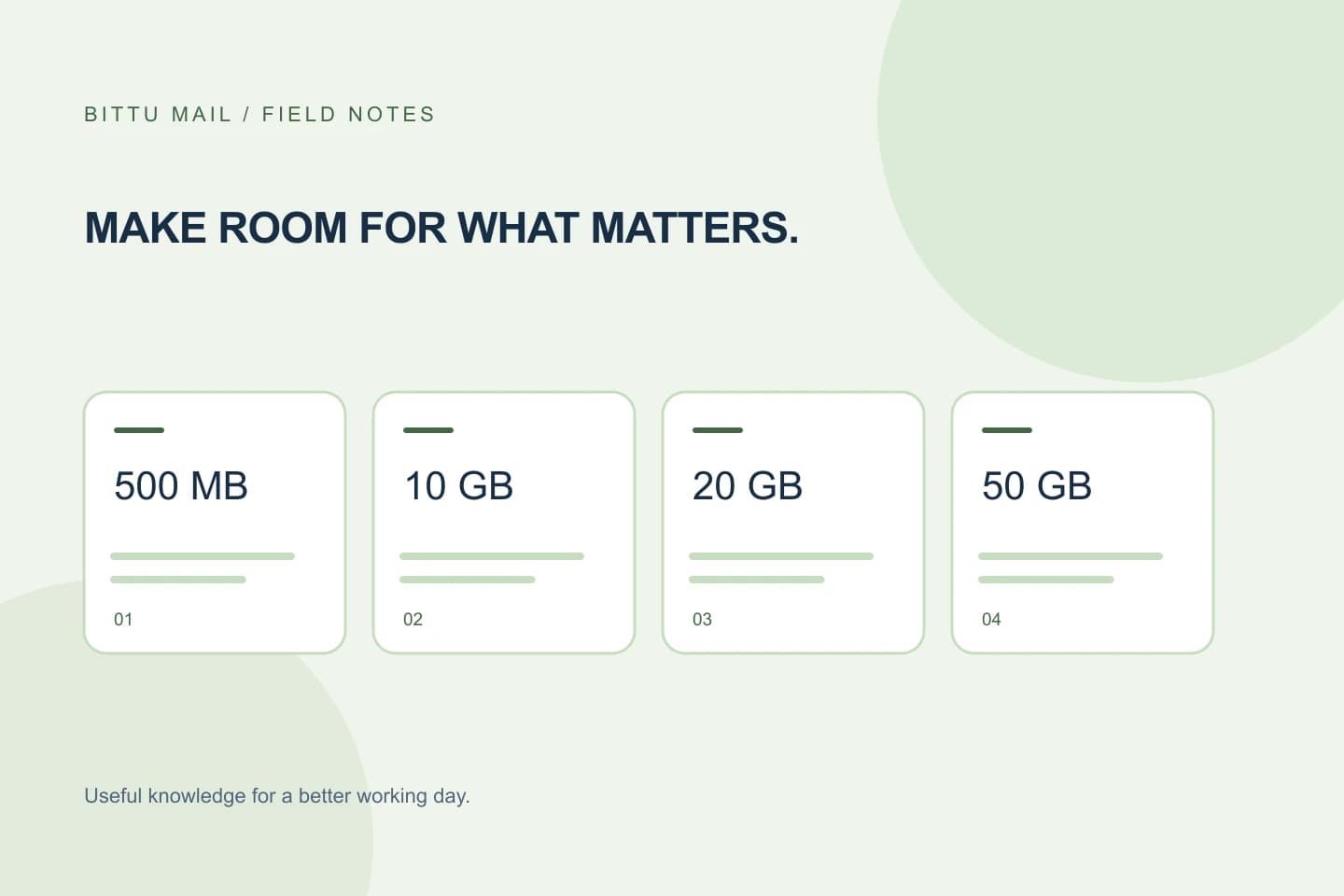
BITTU Mail’s free personal @bittumail.tech mailboxes start with 500 MB. Business Starter, Standard and Premium provide 10, 20 and 50 GB per mailbox, respectively. Those figures describe storage, not the length of a plan term or its cost.
Estimate the storage you actually need, then compare eligible plans that meet it. If a plan offers more capacity than you expect to use, that extra storage may not justify a larger commitment for your situation. Conversely, a plan with less capacity may be a poor fit if you expect your mailbox to grow. Do not assume that storage alone determines which plan or term is available to you.
Compare the amount due with the time covered
At /pricing or authenticated checkout, look for the stated term, the upfront total for that term, applicable taxes, and the renewal terms. Compare the total amount due for each relevant option against the period you expect to use it. A displayed rate by itself may not show the complete upfront commitment.
For a fair comparison, use the same expected-use period for every option. If one term covers a longer period than you need, note that mismatch rather than treating its total as directly interchangeable with a shorter option. The live checkout is the place to confirm the amount and terms that apply to your account; do not rely on an old screenshot or a remembered price.
Check availability and trial eligibility separately
Plan and term availability can depend on current conditions, so confirm that the option you are comparing can actually be selected for your account. Taxes and renewal terms also need a current check. If checkout presents terms that differ from your notes, pause and compare the displayed details before proceeding.
A 30-day Starter trial is limited to one trial claim per eligible domain. Availability and eligibility are checked by the server, so do not assume that a domain qualifies or that a trial is available just because it is mentioned publicly. Check /pricing or authenticated checkout for the current offer and eligibility outcome. A one-time checkout does not, by itself, imply an automatic charge or mandate.
Work through a concrete comparison
Suppose a small team expects to use mail for a project whose end date may move. Its first task is to estimate how many mailboxes it needs and whether the expected storage fits Starter, Standard or Premium. Its next task is to compare the currently offered terms and full upfront totals for options it can select, then check taxes and renewal details.
The team should record what it expects to use, what checkout currently states, and what remains uncertain. If the project might continue, renewal terms deserve particular attention. If it is likely to end, the team should be cautious about choosing a commitment that reaches well beyond the expected end date without understanding the terms. This is a decision framework, not a claim that a particular option will be available or cheaper.
Expected use: through the planned project, with possible extension
Mailboxes and estimated storage: [enter your estimate]
Option A: [stated term] — [current upfront total, including displayed taxes]
Option B: [stated term] — [current upfront total, including displayed taxes]
Renewal details checked: [yes/no]
Availability and eligibility confirmed: [yes/no]
Confirm the decision before committing
Before checkout, make sure the selected plan, term, mailbox quantity, total due, taxes and renewal terms match your notes. Recheck availability and any eligibility conditions in the live flow. If any item is unclear or has changed, do not fill the gap with an assumption; review the current information first.
After completing an account action, confirm the resulting plan or account state through the authenticated account flow. Access to controls can depend on role, plan and provisioning state, and permissions are enforced server-side. Keep a record of the terms shown at the time of your decision for your own reference, but do not treat it as a guarantee of future availability or pricing.
About this guide
Prepared with AI assistance for the BITTU Mail editorial library. Check important details against your original messages and current account settings. Product access depends on your role, plan and provisioning state. Provider interfaces and requirements can change.
View current plans · Security information · Suggest a correction