A plan comparison can become confusing when storage, price, contract timing, and included features are treated as one question. Start instead with the storage each mailbox actually needs. That gives you a clear requirement to compare without assuming that every mailbox needs the same capacity or that a plan’s other features make it the right fit. Then check current commercial terms and account eligibility separately. BITTU Mail’s published storage figures are useful starting points, but the details that apply to your account should be confirmed through the official pricing information or authenticated checkout before you decide.
The useful bits
- Record a storage requirement for each mailbox, not just for the domain or team.
- Compare published capacity separately from price, term, renewal, and feature needs.
- Confirm current availability and account-specific terms at /pricing or authenticated checkout.
Give every mailbox its own requirement
Make a short inventory before comparing plans. List each mailbox, who or what uses it, and the storage capacity it needs. A personal inbox, a shared role address, and a mailbox used for regular file attachments may have different needs. Do not assume that a domain-wide total tells you whether each individual mailbox has enough space.
Keep aliases distinct from mailboxes in your inventory. An alias is not automatically an independent mailbox or login, so do not count it as a separate storage allocation unless your actual setup provisions it as a mailbox. If you are unsure what exists, ask an authorised workspace or domain administrator to check the setup.
Mailbox: [person@example.com] — Requirement: [capacity needed] — Use: [personal correspondence]
Mailbox: [team@example.com] — Requirement: [capacity needed] — Use: [inbound requests]
Alias: [sales@example.com] — Confirm whether this is an alias or an independent mailbox
Compare capacity before comparing everything else
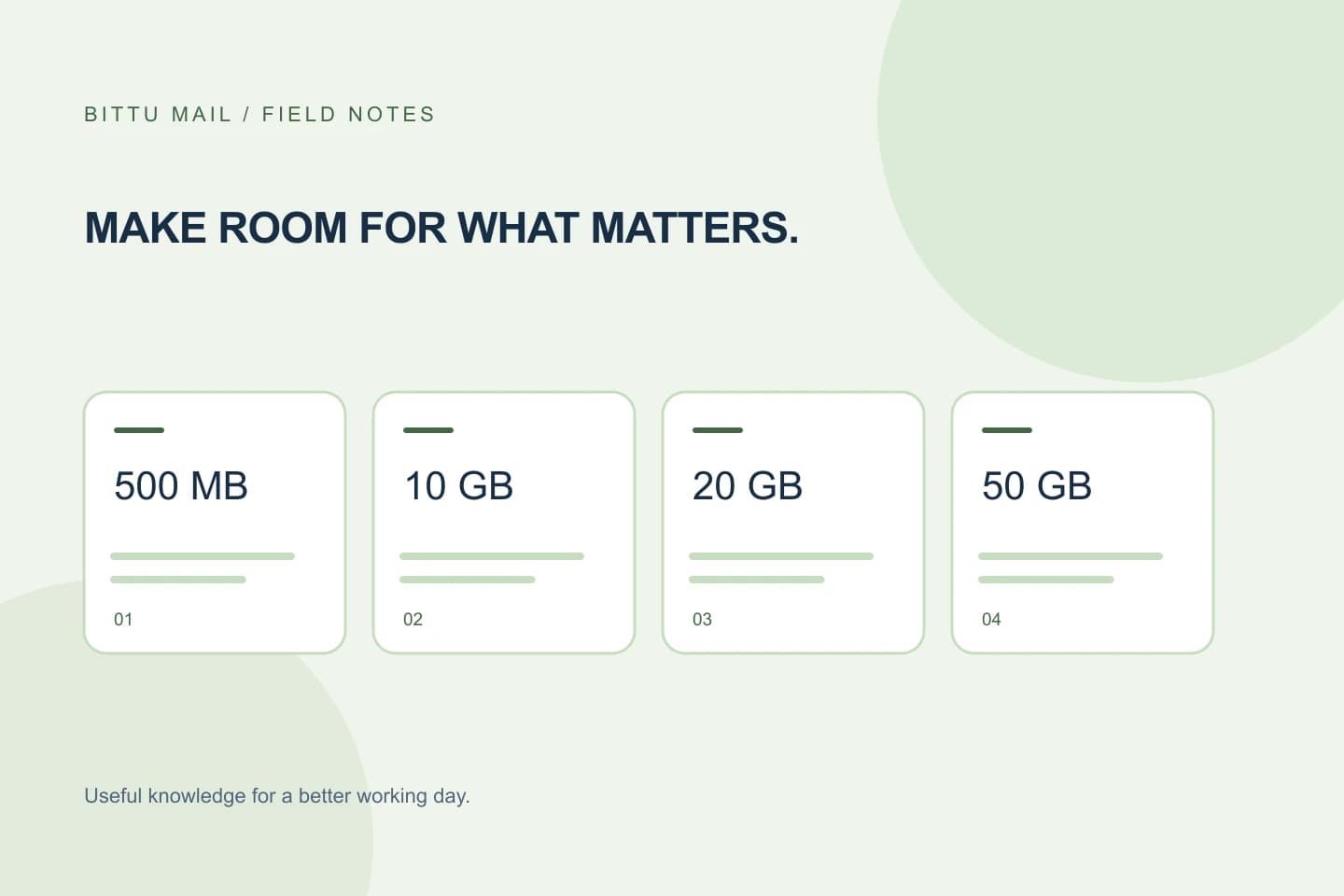
BITTU Mail’s published starting capacity for free personal @bittumail.tech mailboxes is 500 MB. Business Starter, Standard, and Premium provide 10 GB, 20 GB, and 50 GB per mailbox, respectively. Treat these as published plan figures, not as a conclusion about what is enabled for a particular account or what plan you should choose.
For each mailbox, compare its recorded requirement with the published capacity per mailbox. If your need is larger than a listed capacity, that option does not meet the requirement as stated. If it is smaller, capacity alone still does not establish the best choice: record the fit and continue evaluating commercial terms and other needs separately.
Keep plan features in a separate column
Build a comparison with distinct fields for mailbox storage, price, upfront term total, taxes, availability, renewal terms, and any features you genuinely need. This prevents a feature you may not use from obscuring a storage shortfall, and prevents storage capacity from standing in for a review of the rest of the offer.
BITTU Mail includes mail functions such as folders, search, rich-text composing, scanned attachments, and profile settings. Calendar and AI assistance are plan-dependent, while workspace administration and other workspace functions depend on role, plan, and provisioning state. Do not assume that a listed capability is enabled for every account. Confirm relevant access and conditions rather than treating a feature name as a guarantee.
- Storage requirement and published capacity, for each mailbox
- Current price, upfront term total, taxes, availability, and renewal terms
- Required features and whether they apply to your account
Check current terms where the decision is made
Live prices, upfront term totals, taxes, availability, and renewal terms can change or vary by offer. Check them at BITTU Mail’s /pricing page or in authenticated checkout before choosing. Do not fill gaps in the comparison with assumptions based on a previous offer or on another account.
If you are considering a Business Starter trial, note that a 30-day trial is limited to one trial claim per eligible domain. Eligibility and availability are checked by the server. A published trial description does not establish that a particular domain qualifies. Also, a one-time checkout does not by itself imply an automatic charge or mandate; read the checkout details for the terms presented for your account.
Verify what applies to your account
Use the official sign-in and account-action site, mail.bittuicloud.com, for account actions. For a workspace or domain, an authorised administrator can inspect only domains they are authorised to manage in /workspace. Which controls are available depends on role, plan, and provisioning state; permissions and quotas are enforced server-side.
Confirm the mailboxes actually provisioned, their individual capacity, and any plan or feature conditions shown for the account. If a detail is unclear, pause rather than inferring it from a general plan description. Do not provide passwords or one-time codes to an assistant while seeking help.
Make the choice with a simple fit check
Before proceeding, compare each mailbox requirement against the capacity offered per mailbox, then check the current commercial terms and the specific features you need. If any mailbox fails the capacity check, revisit the options. If all pass, verify the account-specific terms and eligibility in the official pricing information or authenticated checkout. Save your comparison so later changes in use or terms are easier to spot.
You have a useful confirmation when every mailbox in your inventory has a stated requirement, the selected option’s published per-mailbox capacity meets that requirement, and the current checkout or pricing details match the terms you intend to accept. That confirms the comparison process; it does not guarantee future availability or unchanged terms.
- □ Each independent mailbox has its own storage requirement.
- □ Aliases are not counted as separate mailboxes without confirmation.
- □ Capacity, features, and commercial terms were checked separately.
- □ Current account eligibility and checkout terms were verified.
About this guide
Prepared with AI assistance for the BITTU Mail editorial library. Check important details against your original messages and current account settings. Product access depends on your role, plan and provisioning state. Provider interfaces and requirements can change.
View current plans · Security information · Suggest a correction