Storage limits, billing terms and renewal rates explained before you upgrade.
Start with what you actually keep
A free @bittumail.tech mailbox includes 500 MB. Attachments usually consume more space than plain text, so a few large documents can matter more than hundreds of short conversations. Review the mailbox storage meter regularly and keep an independent copy of documents you need for work or records.
Personal upgrades and business mail
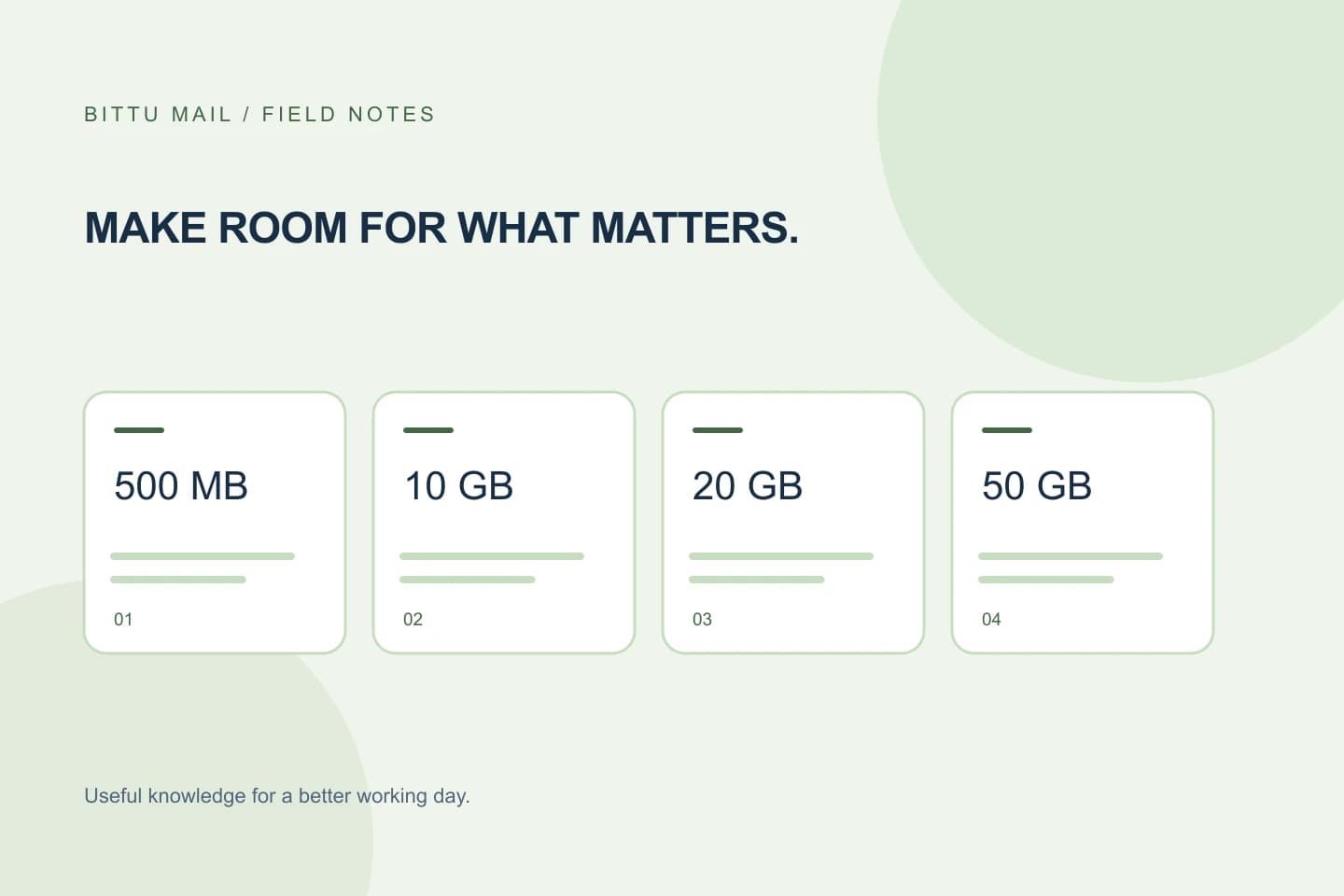
Personal storage offers are 10 GB at $0.89 per month, 50 GB at $1.79 and 100 GB at $2.99. Business plans provide 10 GB, 20 GB or 50 GB per mailbox, with separate alias and forwarding limits. Use the live pricing page and your billing portal to check the current offer. A business seat is one mailbox; adding three people generally requires three seats.
Read the total, then the renewal
The price shown per month on a 12-, 24- or 48-month offer is a monthly equivalent. The selected term is billed upfront. For example, Starter at $0.44 for 24 months is $10.56 for one mailbox before applicable taxes. The renewal rate is displayed separately and can differ from the introductory rate. Checkout confirms the actual payment currency and total.
Keep a little headroom
A mailbox at its hard quota can stop accepting new delivery or uploads. Save needed attachments elsewhere before removing mail, and check whether deleted items still occupy server storage. Upgrade before reaching the limit if you need uninterrupted room. A payment is not a completed upgrade until the subscription and mail-server quota have both updated.
Know what renewal means
Review your subscription, invoices and available cancellation controls after purchase. A one-time checkout does not automatically establish a recurring debit mandate. If the interface and your payment provider disagree about future charges, ask support to check the order and mandate reference. Never send card numbers or bank login information.
About this guide
A practical guide from BITTU Mail Editorial. Product access depends on your role, plan and provisioning state. Provider interfaces and requirements can change.
View current plans · Security information · Suggest a correction