Comparing email plans often means looking at different kinds of information: a public pricing page, the terms shown during checkout, and what your signed-in account actually displays. Those sources can answer different questions, and a note that blends them together can turn an estimate into something that looks confirmed. Keep each observation tied to its source, date, and status. This makes it easier to compare options without assuming that availability, renewal terms, or a trial offer applies to your domain or account.
The useful bits
- Label each note by source and whether it is confirmed, estimated, or still unverified.
- Use pricing pages for current public information, but check checkout for the terms offered to your transaction.
- After purchase or activation, compare the authenticated account view with your saved checkout details.
Give every note a source and a status
Start a comparison record with separate fields for the detail, where you saw it, when you saw it, and how certain it is. Useful status labels include “public listing,” “checkout shown,” “account confirmed,” and “estimate—not verified.” The label should describe the evidence, not your confidence in the plan.
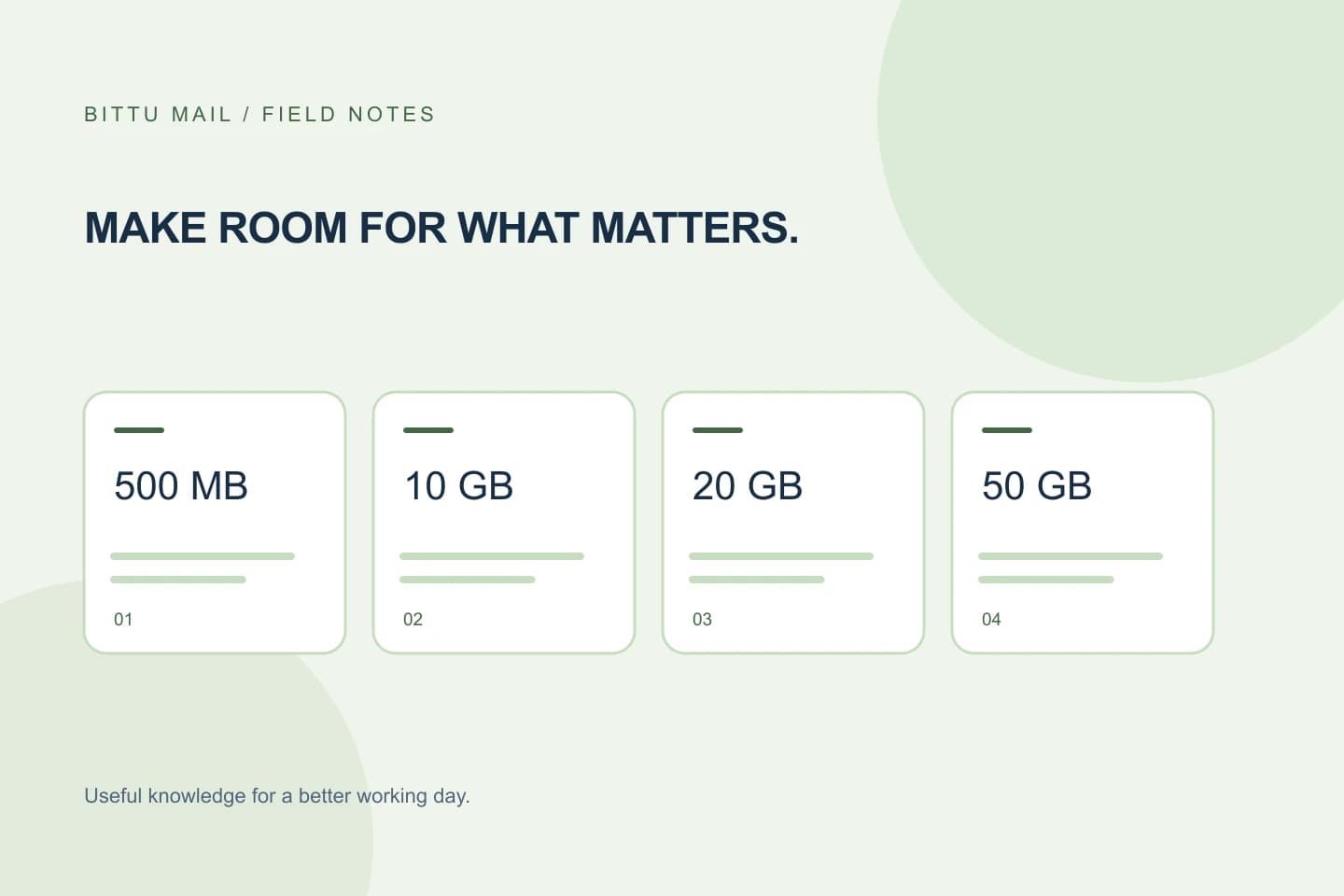
For example, a storage amount published for a business plan is a public plan detail. It does not by itself confirm that the plan is available for your domain, that a particular transaction has completed, or that your account is provisioned with that amount. Keep those questions separate.
Detail: Business Starter storage
Source: BITTU Mail public plan information
Status: Public listing; account allocation not checked
Checked: [date]
Open question: Does the authenticated account show the expected plan and mailbox storage?
Treat the pricing page as a snapshot
Use /pricing to review the current public plan information, but record it as a snapshot rather than a promise about a later checkout. The live price, upfront term total, taxes, availability, and renewal terms must be checked at /pricing or in authenticated checkout. Do not fill gaps in your notes by carrying forward an old amount or assuming that a displayed offer will still be available.
If you are comparing plans for a decision, mark any missing or variable item as “check at checkout.” Keep estimates visibly separate from confirmed terms—for instance, put them in a separate column instead of writing them into a single unlabeled total.
Use checkout for the transaction in front of you
Before proceeding, read the terms presented in authenticated checkout for the specific plan and transaction. Record the plan, mailbox quantity if shown, upfront term total, taxes, availability, and renewal terms only as they are actually presented. If a detail is absent or unclear, leave it unresolved and seek clarification through an appropriate official channel rather than inferring it from a public comparison.
A one-time checkout does not imply an automatic charge or mandate. Do not describe a future charge as confirmed unless the checkout terms explicitly establish it. Save a dated note of what checkout displayed, but distinguish that record from later account confirmation.
Keep trial eligibility in its own line
A 30-day Starter trial is limited to one trial claim per eligible domain, and availability and eligibility are server-checked. A public mention of the trial is not confirmation that a particular domain qualifies. Label it “trial described publicly; eligibility not confirmed” until the offer is actually available to the domain in the relevant flow.
Avoid treating an estimate of trial eligibility as a plan entitlement. If checkout or the authenticated process does not show the offer for your situation, do not record it as included. Keep trial timing and paid-plan terms as separate entries.
Confirm what the account actually shows
After the transaction or provisioning step, sign in through BITTU Mail’s account service and inspect the account information available to your role. Compare the displayed plan and mailbox details with your dated checkout note. If the account does not show what you expected, record the mismatch precisely and contact support or the relevant administrator; do not assume that a public listing overrides the account state.
Account controls and information can depend on role, plan, and provisioning state. A workspace administrator may have relevant administration access, while an ordinary mailbox user may not. Do not assume every account has the same controls or that a missing display proves a particular billing or provisioning outcome.
A short review before relying on your comparison
Use a final pass to make sure each claim is traceable. A reader—or your future self—should be able to tell whether a statement came from public plan information, the checkout transaction, or the authenticated account. If you cannot identify the source, downgrade the statement to an estimate and check again before making a decision.
- Mark the source and date beside each plan detail.
- Keep estimates and unanswered questions visually separate from confirmed terms.
- Check live price, upfront term total, taxes, availability, and renewal terms at /pricing or authenticated checkout.
- Afterward, compare the authenticated account view with the transaction record and note any discrepancy.
About this guide
Prepared with AI assistance for the BITTU Mail editorial library. Check important details against your original messages and current account settings. Product access depends on your role, plan and provisioning state. Provider interfaces and requirements can change.
View current plans · Security information · Suggest a correction