Mailbox cleanup is easier when you know which messages must remain easy to find—not just which ones look old. A contract thread, an invoice attachment or a decision with important context may still matter long after the project ends. Before deleting anything, make a short retention list, estimate how much space those records occupy and decide how much room you need for future mail. This gives you a more grounded basis for choosing a plan, while helping you avoid treating cleanup as a substitute for keeping records accessible.
The useful bits
- Mark records by purpose and retrieval need before deleting mail.
- Estimate retained storage from message sizes and attachment files, allowing for uncertainty.
- Compare the estimate with mailbox capacity and expected future use before deciding.
Start with retrieval, not age
An old message is not automatically disposable, and a recent one is not automatically important. Think about what you may need to retrieve later: a signed agreement, a receipt, a project decision, instructions, or the conversation that explains why an attachment was sent. Also consider who may need to find it and what detail they would search for, such as a sender, subject, project name or date.
Search in focused passes rather than trying to judge the entire mailbox at once. Look at recurring senders and subjects, then review the full conversation and its attachments. Before labeling a thread as a record, confirm that the version you need is actually present and readable. A message that says “see attached” is not useful if the attachment is missing.
Separate keep, review and remove
Use three decisions. Keep means the thread or file should remain available in the mailbox. Review means its value or completeness is unclear; leave it alone until you can check. Remove means you have confirmed it is unnecessary or safely retained elsewhere. This simple distinction reduces the chance that a quick cleanup deletes the only copy of something important.
For each kept item, note why it matters and how you would find it again. A consistent folder or label can help if your account supports that workflow; search terms can help too. Avoid relying on memory alone. If a record needs to be available to another person, confirm that person has an appropriate way to access it rather than assuming your mailbox makes it shared.
- Check the whole conversation, not only the latest reply.
- Open important attachments and confirm they are the intended version.
- Keep uncertain items in the review group until their status is clear.
Estimate the space the records occupy
Make an inventory of the kept threads and attachments. If message details show a size, record it; otherwise, use the file sizes of downloaded copies as a rough guide for attachments. Add the figures for the material you plan to retain. Be aware that a conversation may contain multiple messages and repeated copies of the same file, while a downloaded file’s size may not exactly match how the mailbox stores the message.
Treat the result as an estimate, not an exact mailbox usage figure. Mail includes message text and other data in addition to attachments, and the amount stored can differ from the sum of files you can see. If your mail view does not expose sizes, you can still group records into small, medium and large collections and use attachment sizes where available. Do not delete records just to make the estimate fit a target.
Keep: agreement thread and final signed file; supplier invoices for the active project; decision thread that explains the approved scope.
Estimate: add visible message sizes where available, then add attachment file sizes as a rough proxy. Note duplicate attachments and uncertain items separately.
Decision: compare the estimate with capacity, leave room for incoming mail, and recheck after cleanup.
Include future mail in the plan decision
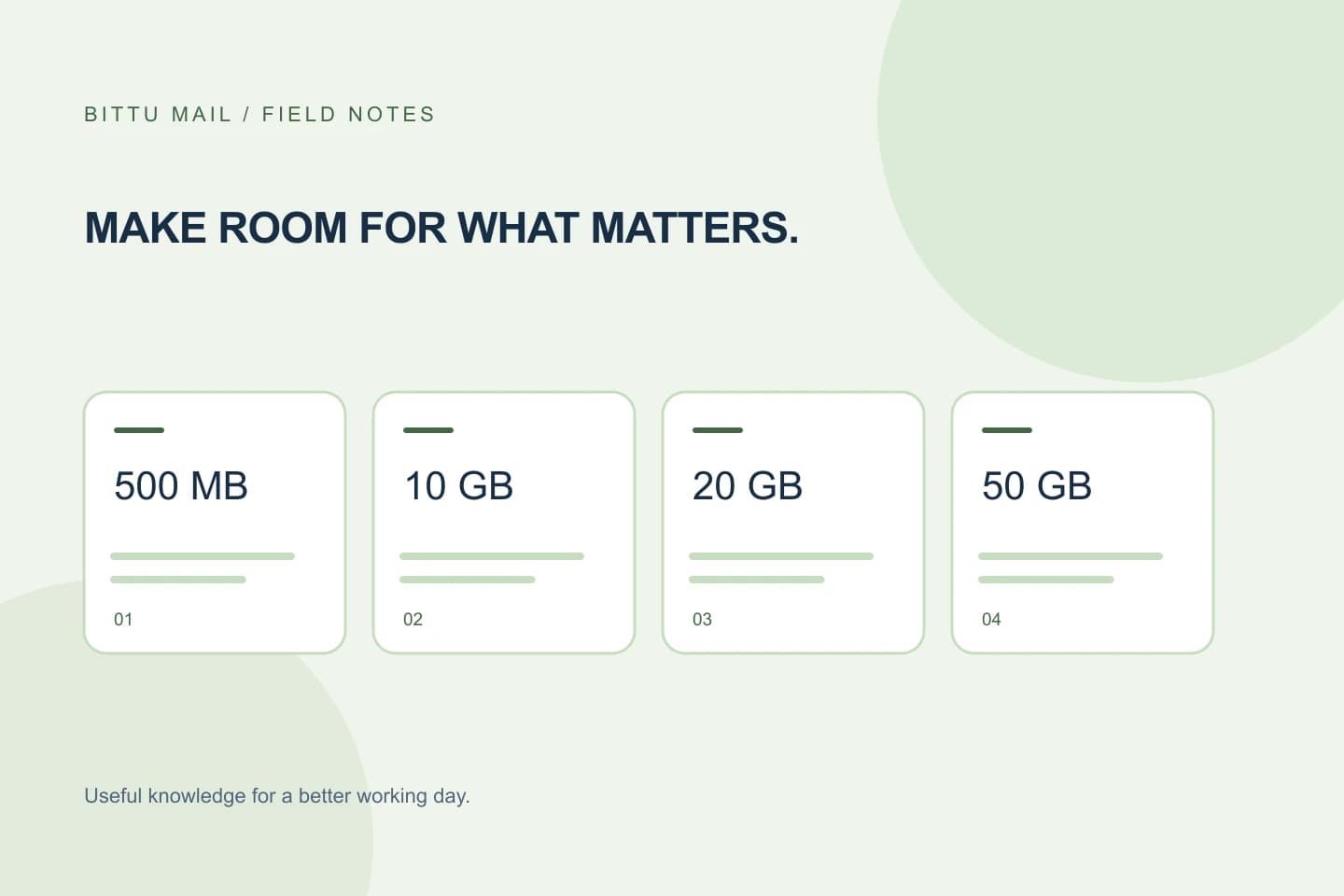
BITTU Mail personal @bittumail.tech mailboxes start with 500 MB. Business Starter, Standard and Premium provide 10, 20 and 50 GB per mailbox, respectively. Compare your retained-record estimate with the capacity of the mailbox you are considering, but do not allocate every available byte to old records: new messages and attachments also need room.
The right choice depends on the volume and size of mail you expect to keep, how often you receive attachments, and whether the mailbox is personal or part of a business workspace. A larger allowance can provide more headroom, but it does not decide which records are worth keeping or create a separate archive. Check current plan details and availability at /pricing or authenticated checkout; live prices, term totals, taxes and renewal terms can change.
Clean up carefully and verify the result
Before removing anything, make sure the kept records are still searchable and that important attachments open. If you store a separate copy, confirm it is in a location you can access and that it is the right file; a second copy is not useful if no one can find it. Then remove only items you have classified as unnecessary, in manageable batches, checking your selections before confirming any deletion.
After cleanup, search for a few retained threads using the sender, subject or another detail from your inventory. Open one or more key attachments and verify that their contents match what you intended to keep. If the mailbox provides a storage indicator, compare it before and after; if not, do not infer an exact reduction from the number of messages removed. Revisit the estimate when your mail habits or record needs change.
Make the decision easy to revisit
Keep the inventory short enough to update: record categories, approximate size, and the reason each category stays accessible. For example, a project’s signed agreement and final decisions may be core records, while duplicate drafts may be candidates for review. This makes the next cleanup less dependent on guesswork and helps explain why you selected a particular capacity.
A plan decision is a capacity decision, not a retention policy. It cannot guarantee that a particular message will remain available indefinitely, and an estimate cannot guarantee future space needs. Confirm what you actually retain, allow for incoming mail, and check the current plan terms before purchasing or changing a plan.
About this guide
Prepared with AI assistance for the BITTU Mail editorial library. Check important details against your original messages and current account settings. Product access depends on your role, plan and provisioning state. Provider interfaces and requirements can change.
View current plans · Security information · Suggest a correction