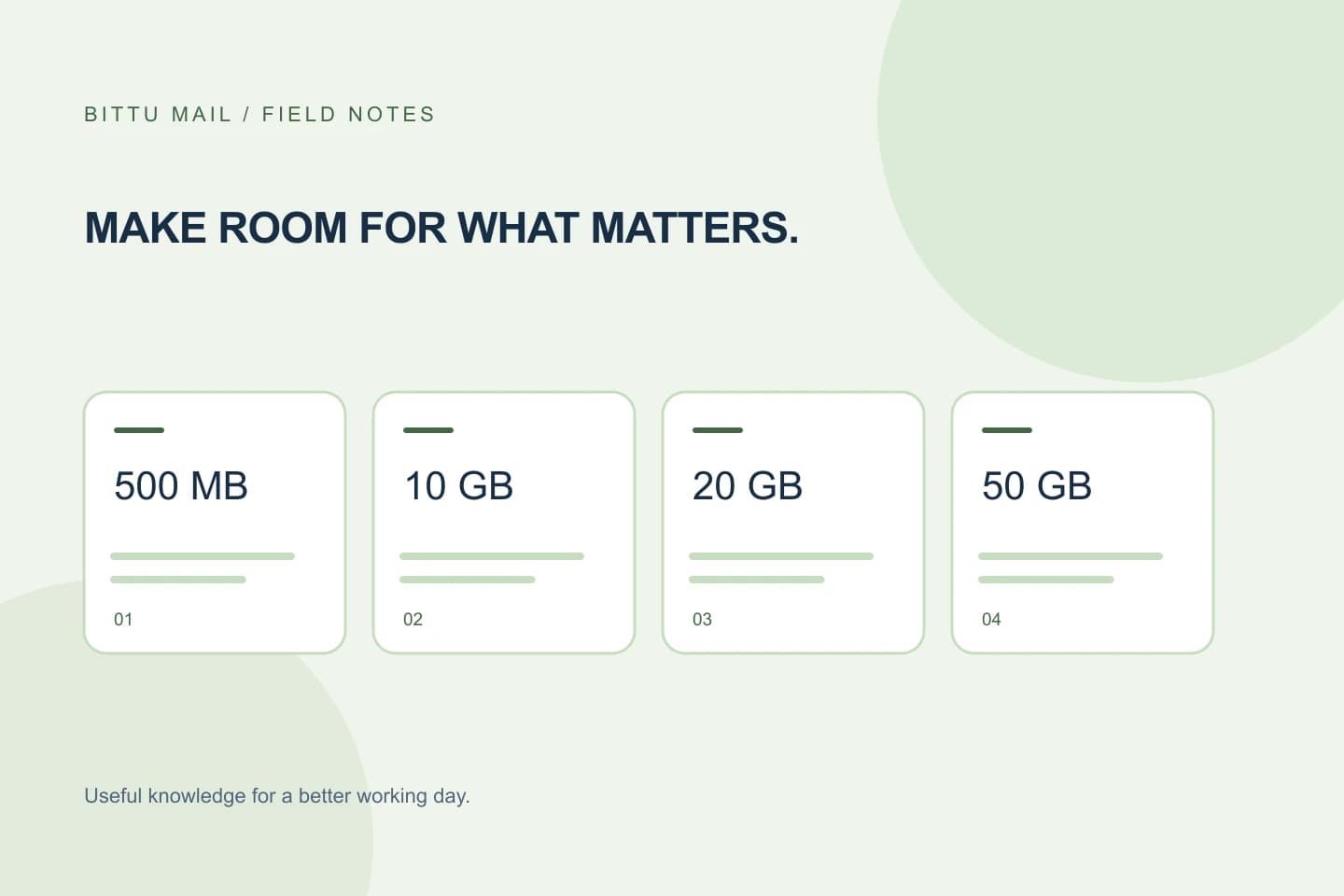
Choosing between 10, 20, and 50 GB sounds like a simple capacity decision, but the useful question is how much space each mailbox needs—not how much your whole team might use in total. BITTU Mail’s Business Starter, Standard, and Premium plans provide 10, 20, and 50 GB per mailbox, respectively. This guide explains how to compare those limits using your actual mail habits, avoid assumptions about pooled storage or plan extras, and confirm what has been assigned before moving important work mail.
The useful bits
- Compare storage mailbox by mailbox; the published amounts are per mailbox.
- Estimate current use and future growth before choosing a tier.
- Check live pricing and confirm the assigned limit in your authenticated account.
Start with the per-mailbox limit
Business Starter provides 10 GB for each mailbox, Standard provides 20 GB for each mailbox, and Premium provides 50 GB for each mailbox. The difference between tiers is clear in storage terms: Standard has twice Starter’s stated capacity, while Premium has five times Starter’s capacity and two and a half times Standard’s.
Treat each number as a mailbox-level allowance. For example, a team with several mailboxes should compare the needs of each person or role against the allowance for the mailbox assigned to them. Do not assume that unused space in one mailbox can cover another, or that aliases count as separate mailboxes. An alias is not automatically an independent mailbox or login.
Estimate what each mailbox needs
Make a short inventory before comparing tiers. Note each mailbox’s current storage use, whether it regularly receives large attachments, and whether it retains older messages for ongoing work. Include shared work addresses only if they are actual mailboxes in your setup; an address that forwards or acts as an alias may have different storage implications.
If you cannot see a reliable usage figure, avoid guessing from message counts alone: messages and attachments can take different amounts of space. Use the account’s available storage information if it is displayed, or confirm the limit and usage through the authenticated account or an authorised workspace administrator. Do not infer an exact quota from an email client’s folder display.
Use a needs-based comparison
For each mailbox, ask whether 10 GB leaves enough room for its current use and likely ongoing mail retention. If it appears close to the expected need, compare the 20 GB Standard allowance. Consider the 50 GB Premium allowance when a mailbox’s expected requirement is substantially higher. These are storage comparisons, not recommendations based on unlisted features.
A larger allowance can provide more room, but it does not establish how quickly storage will be used or what happens if a mailbox reaches its limit. Those details are not specified here. If they affect your decision, check the current plan information or authenticated checkout rather than relying on assumptions.
Example: A small team has three separate mailboxes. One is used for occasional correspondence, one routinely receives work attachments, and one retains a large archive. Compare each mailbox’s own usage and expected needs with 10, 20, and 50 GB. Do not add the three limits together as if they were automatically one shared pool.
Check what the plan comparison does not tell you
Storage amounts alone do not describe every plan difference. Do not infer that a tier includes a particular feature, support level, retention rule, or storage-sharing arrangement unless the current published plan details say so. BITTU Mail’s available controls can depend on role, plan, and provisioning state, so a feature visible to one account may not be available to every mailbox.
Prices, upfront term totals, taxes, availability, and renewal terms can change or depend on the purchase. Check the live information at /pricing or in authenticated checkout before deciding. This article intentionally does not estimate or compare prices.
A practical decision checklist
Use this quick pass for every mailbox you plan to provision or change:
- Identify the actual mailbox, not just an alias or forwarding address.
- Record its current usage if the account displays it; otherwise mark the estimate as unknown.
- Note whether the mailbox regularly receives large attachments or keeps older mail.
- Compare its expected need with 10 GB, 20 GB, and 50 GB separately.
- Check live plan terms and confirm that the chosen tier is available for your purchase.
- After provisioning, verify the mailbox’s assigned plan and storage limit in the authenticated account; if the limit is not shown, ask an authorised workspace administrator to confirm it.
Confirm the choice after provisioning
Sign-in, registration, account recovery, and account actions go through mail.bittuicloud.com. After setup or a plan change, check the authenticated account for the mailbox and its assigned plan. Where the account displays a storage limit, compare it with the expected 10, 20, or 50 GB amount. If the plan or limit is unclear, do not assume that a checkout selection has been applied to every mailbox; have an authorised workspace administrator verify the assignment.
Keep a simple record of the mailbox, selected tier, and confirmed limit. Revisit the comparison when a mailbox’s work changes—for example, when it begins handling more attachment-heavy correspondence. The right choice is the tier whose per-mailbox capacity fits that mailbox’s needs, with current commercial terms checked separately.
About this guide
Prepared with AI assistance for the BITTU Mail editorial library. Check important details against your original messages and current account settings. Product access depends on your role, plan and provisioning state. Provider interfaces and requirements can change.
View current plans · Security information · Suggest a correction