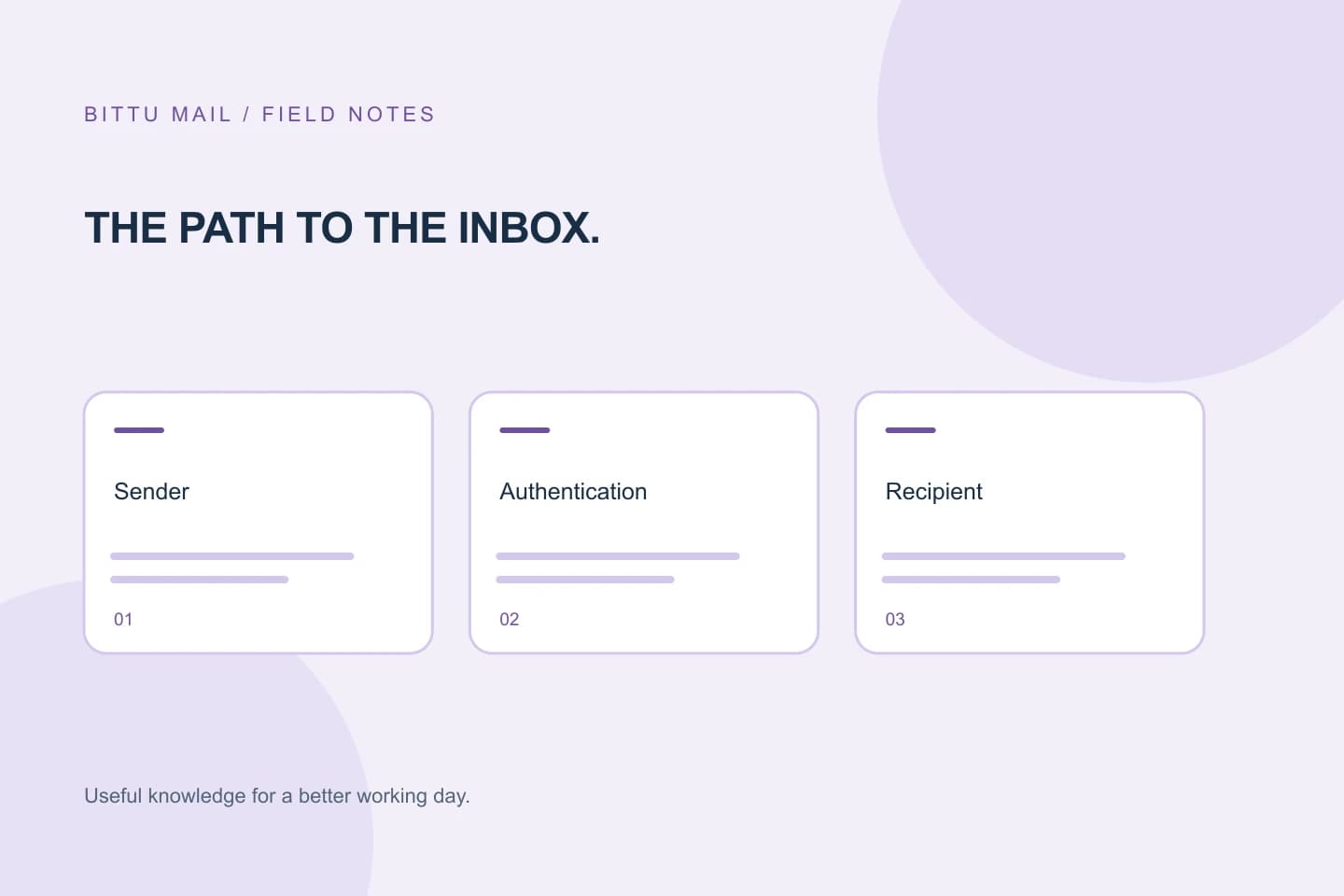
A message can leave your mailbox successfully and still come back as undeliverable after someone forwards it. That does not automatically mean your mailbox or the original recipient’s account caused the problem. Forwarding adds another handoff: the forwarding service receives the message, then attempts delivery to a different address. Read the bounce for the address and failure point it identifies before changing your settings. This guide explains how to trace that handoff, what information to share with the forwarding mailbox’s administrator, and how to confirm whether a corrected route works.
The useful bits
- Check which address the bounce names; it may be the forwarding destination, not the original recipient.
- A successful initial send does not prove the later forwarding delivery succeeded.
- Ask the forwarding mailbox administrator to inspect its routing and destination details.
A forwarded message makes another delivery attempt
In a direct delivery, your mail service attempts to deliver a message to the address you entered. With forwarding, the message first reaches a mailbox or service that has a forwarding rule. That service then sends or routes it onward to another address. The second attempt can fail even when the first one succeeded.
For example, you send a message to [person@example.com]. That mailbox forwards incoming mail to [team@example.com]. The receiving system for the second address might reject the message, the destination could be misspelled or no longer active, or the forwarding service might have a routing problem. The bounce may arrive in your inbox because the original message is associated with the failed attempt; that alone does not identify which mailbox needs a change.
Find the address named in the notice
Read the complete bounce, including any delivery-status details, rather than relying only on its subject line. Look for the recipient or destination address reported as undeliverable and for wording that indicates whether delivery was refused, the address was unrecognized, or the receiving system could not be reached. Notices differ between providers, so treat their wording as clues rather than a universal format.
Compare the address in the failure details with the address you originally sent to. If they differ, the named address may be the forwarding destination. Also check whether the notice names the forwarding mailbox itself. The distinction helps you direct the report to the right administrator instead of changing your own mailbox settings without evidence.
- Save the full bounce, not just a cropped summary.
- Note the original recipient and every address named in the failure details.
- Record the time and subject of the affected message so the administrator can locate the event.
You sent to: [person@example.com]
Forwarding destination shown in the notice: [team@example.com]
Next step: ask the administrator of [person@example.com] to inspect the forward to [team@example.com].
Separate the first handoff from the failed one
A bounce is evidence that some delivery attempt failed, but it does not necessarily show that your mailbox failed to send the original message. If you received a copy of the message in the forwarding mailbox, or the recipient confirms that the first mailbox received it, that supports the idea that the problem happened later. It still does not prove the exact technical cause; the full error and the administrator’s routing records are more useful.
If the bounce names the original address rather than a later destination, ask the original mailbox administrator whether the message reached that mailbox and whether forwarding was attempted. If it names a different destination, share that detail with the administrator responsible for the forwarding mailbox. Avoid repeatedly resending the same message while the route is being checked, since repeated attempts may create duplicate mail without fixing the underlying issue.
Give the forwarding administrator a useful report
Contact the person or team that manages the mailbox where the forwarding rule is configured. Provide the original recipient, the destination named in the bounce, when the message was sent, and the complete error text. If the message contains sensitive material, do not forward its contents unnecessarily; the address and delivery details may be enough for an initial check.
Ask the administrator to confirm that the forwarding destination is current and spelled correctly, and to inspect the mailbox’s routing or forwarding configuration and the reported failed attempt. They may need to check whether the destination accepts mail or whether their service records a rejection. You generally cannot inspect another organization’s routing yourself, and changing your sender mailbox will not repair a route controlled by someone else.
Check the route with a controlled follow-up
After the administrator reports a correction or confirms the route, send a brief, non-sensitive test message to the original address and ask the recipient to confirm whether it arrived at the intended destination. If it bounces again, capture the new complete notice and compare its named address and wording with the earlier failure. A changed destination or error may indicate that the message reached a different step; an unchanged notice is useful evidence for the administrator, not proof of a particular cause.
If the message reaches the first mailbox but not the forwarded destination, the administrator should continue investigating the forwarding path. If neither the original mailbox nor the destination receives it, revisit the notice and ask the relevant mail administrators to trace the specific delivery attempt. Do not assume a sender-side correction is needed unless the error or an administrator’s findings point to your sending account.
- Confirm which address received the test message.
- Keep the new bounce if delivery still fails.
- Close the loop with the forwarding administrator using the exact address and error details.
About this guide
Prepared with AI assistance for the BITTU Mail editorial library. Check important details against your original messages and current account settings. Product access depends on your role, plan and provisioning state. Provider interfaces and requirements can change.
View current plans · Security information · Suggest a correction