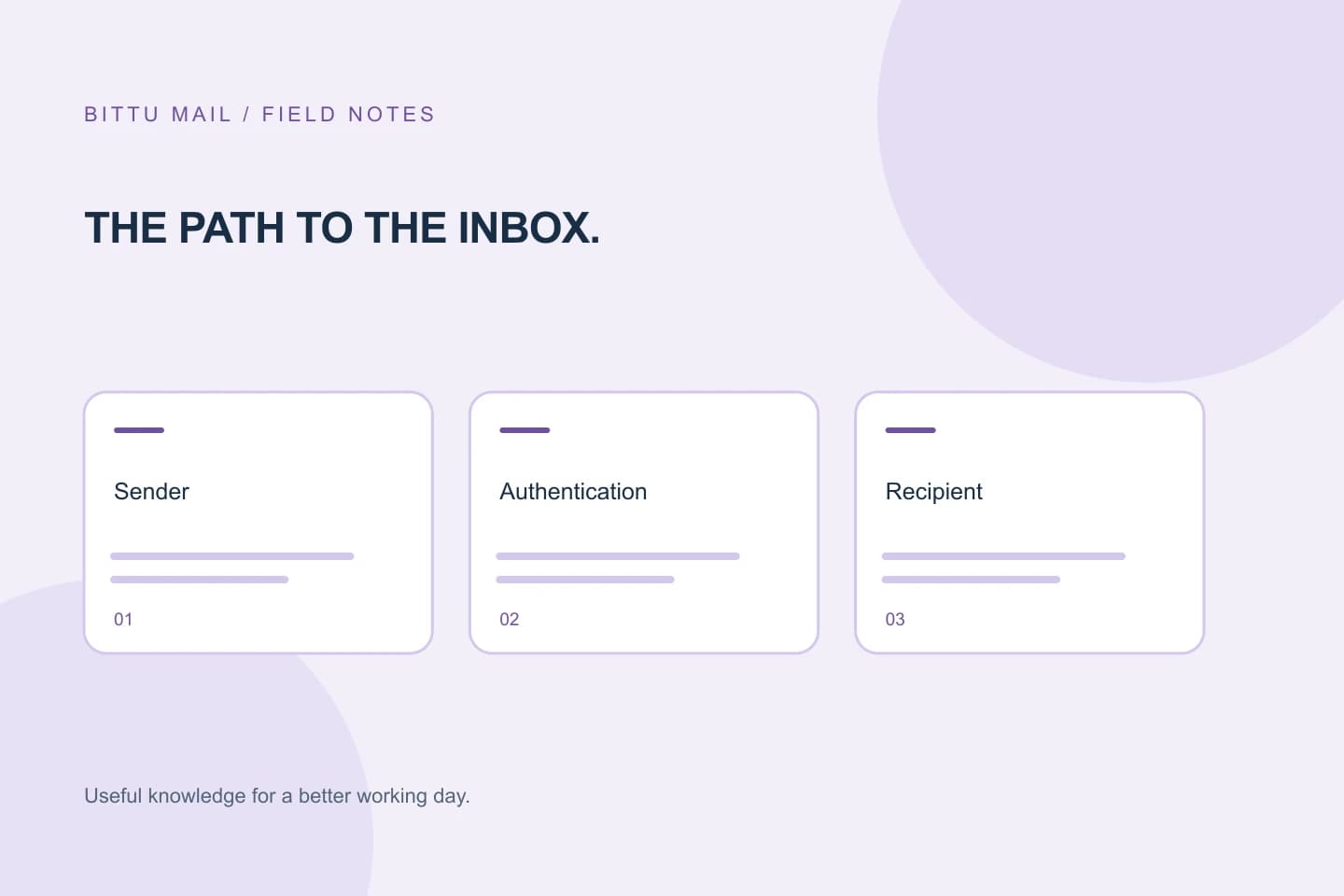
Authentication is the starting point. Reputation, content and recipient trust matter too.
Delivery and inbox placement are different
A recipient server can accept a message and still put it in Junk or Spam. Successful SMTP delivery is evidence of acceptance, not a promise of inbox placement. To investigate a specific case, preserve the original message and full recipient-side headers. A screenshot of the Spam folder alone cannot show the authentication result.
Check the identity chain
SPF identifies authorized sending infrastructure. DKIM signs a message with a domain key. DMARC checks alignment with the visible From domain and publishes a handling policy. The sending IP should also have correct reverse DNS and a consistent mail hostname. Company administrators can inspect their domain's records in the private workspace; records for another domain are outside their scope.
A new sending IP needs trust
A new or previously used IP may have limited reputation even when records are correct. Send expected, wanted mail at a consistent rate. Do not warm up an IP by sending unsolicited messages or buying recipient lists. Shared address ranges and a recipient provider's own signals can also affect decisions.
Write messages people expect
Use a recognizable sender name, a clear subject and links that match their visible destination. Avoid deceptive urgency, unnecessary tracking and unfamiliar shorteners. Send attachments only when expected. If a person has requested your mail, they can review the sender and mark a legitimate message as Not spam; that remains their choice.
Give support useful evidence
Include the sender and recipient addresses, exact time with time zone, message ID and the original full headers. Redact unrelated private content. The message-details and print views in BITTU Mail make sender, recipient and timestamp information easier to capture. Authentication and server settings can be corrected, but no provider can guarantee all recipient filtering decisions.
About this guide
A practical guide from BITTU Mail Editorial. Product access depends on your role, plan and provisioning state. Provider interfaces and requirements can change.
View current plans · Security information · Suggest a correction