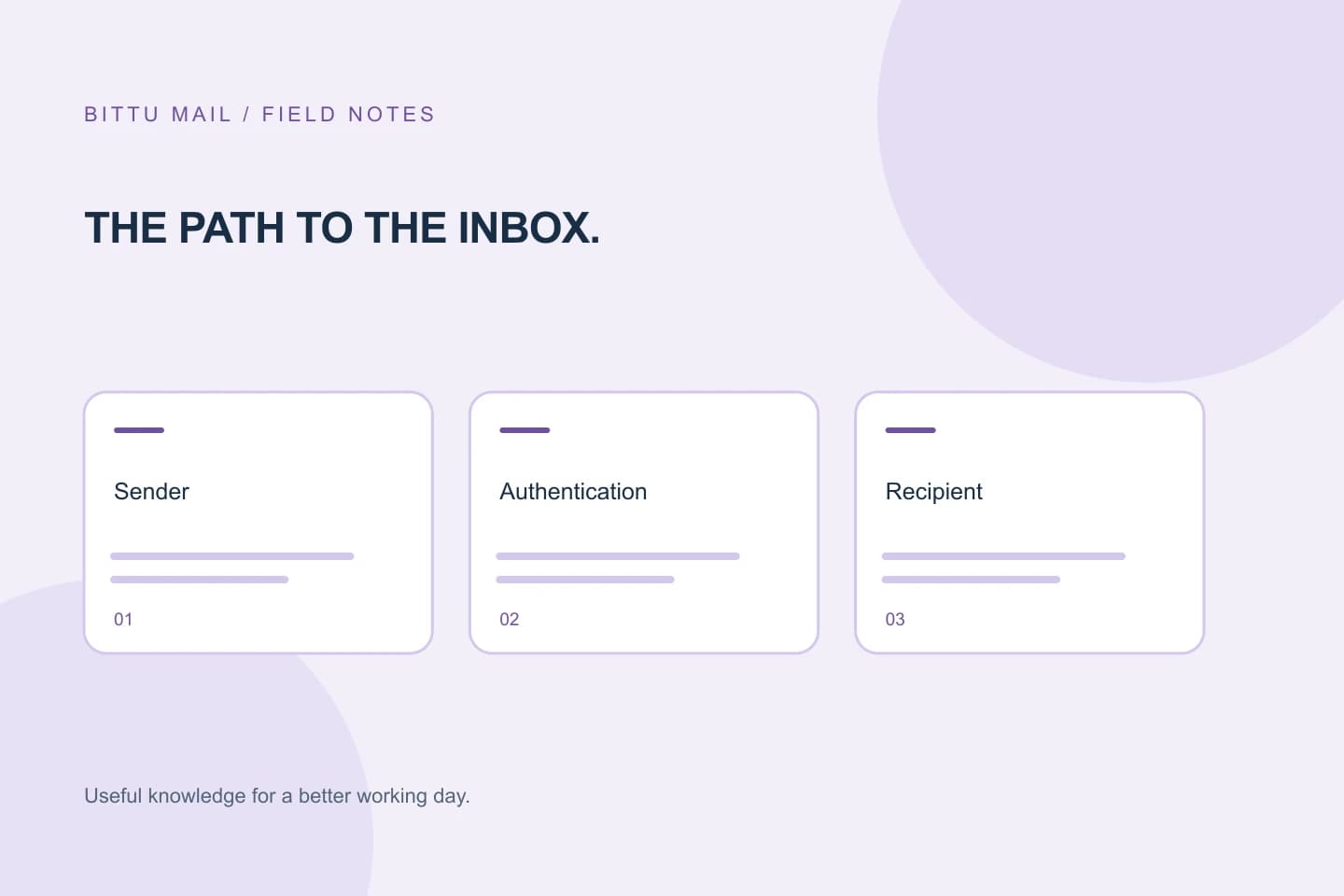
You add a sender to an allowlist, wait for an important message, and still cannot find it. That does not necessarily mean the setting failed: mail can pass through several filtering and handling layers, and an allowlist may affect only one of them. A provider’s spam filter, an organisation’s security rules, mailbox-specific settings, or the sender’s delivery system may still prevent a message from reaching the inbox. The most useful next step is not to keep adding exceptions. Find the message’s actual status or rejection reason, then ask the right administrator to investigate.
The useful bits
- An allowlist usually changes a particular filtering decision; it is not a guarantee of inbox delivery.
- Look for a rejection, quarantine, or delivery-status explanation before changing settings.
- If an organisation controls the mail system, ask its administrator to review the relevant policy.
Mail can be filtered more than once
A message does not necessarily go straight from the sender to your inbox. The sender’s mail system submits it, the recipient’s provider may apply filtering, and an organisation may add its own security checks before mailbox rules decide where accepted mail goes. The exact path differs by provider and workplace.
An allowlist can apply at just one of these points. For example, it might reduce one spam check without overriding a later malware screening rule, an organisation-wide block, or a mailbox rule that moves messages elsewhere. Some systems also distinguish between allowing a sender address and trusting the system that actually sent the message. Do not assume one setting covers every layer.
First find out what happened to this message
Search all relevant folders, not only the inbox. Check spam or junk, quarantine if you have access to it, archive, and any folders used by rules. Search by the sender’s full address, the subject, and a distinctive phrase. Confirm that you are looking in the intended mailbox and that the sender used the address you allowlisted; a similar-looking address may be different.
If the message is absent, ask the sender whether their system reports a rejection or delivery failure. A rejection notice may identify the receiving system and give a reason. If the sender has no notice, that does not prove delivery: the message might have been accepted and then quarantined, moved, or otherwise handled. Record the approximate sending time and the addresses involved so an administrator can narrow the search.
Use the reason, not a guess, to choose a fix
A quarantine notice, bounce message, or administrator’s delivery trace can point to different causes. A policy rejection calls for a policy review; a message that was accepted but filed elsewhere calls for a mailbox-rule check. A sender-side error may need to be corrected by the sender. These are different problems, and changing an allowlist will not necessarily address any of them.
Avoid broad exceptions as a first response. Allowing an entire domain or weakening a security control can affect more mail than the single message you are troubleshooting. If an administrator proposes a change, ask which specific layer it affects and whether it addresses the recorded reason. Do not treat a missing message alone as evidence that a sender should be trusted.
When an administrator needs to step in
In a workplace or school account, organisation-level rules may be managed centrally and may take precedence over personal settings. A recipient might not be able to view quarantine details, inspect delivery records, or change the relevant policy. Contact the mail administrator or support team rather than repeatedly editing personal preferences.
Share the sender and recipient addresses, the approximate time, the subject if appropriate, and any rejection or quarantine text. Ask whether the message was rejected, quarantined, accepted, or redirected, and which control made that decision. The administrator can then determine whether a narrowly scoped change is appropriate. If you administer the domain yourself, use the controls available to your role and plan; do not assume every account has the same permissions.
A practical example
Suppose a colleague says a message from a supplier did not arrive, even though the supplier’s address was added to an allowlist. The colleague searches the mailbox and finds no copy. Rather than adding the supplier’s whole domain, they ask the supplier to check for a delivery failure and send the timestamp and recipient address to their administrator. The administrator finds that the message was held by an organisation-level control. That finding identifies the layer to review; the allowlist entry by itself did not establish that the message was safe or guarantee inbox delivery.
Sender: [sender@example.com]
Recipient: [recipient@example.com]
Approximate sending time: [date and time]
Subject: [message subject]
Observed result: [bounce, quarantine notice, or not found]
Request: Please check whether this message was rejected, quarantined, accepted, or redirected, and identify the control involved.
Confirm the outcome without assuming future delivery
After the relevant setting or policy is reviewed, arrange a fresh message that is appropriate to send. Check whether it appears in the expected folder, and ask the administrator or sender to confirm its status if it does not. A successful delivery of one message shows what happened to that message; it does not guarantee that later messages will be treated the same way.
Keep the scope of any exception clear, and revisit it if the sender, sending system, or organisation’s policy changes. If no reliable status is available, tell the administrator exactly what you checked and what remains unknown. That gives them a concrete starting point while avoiding repeated changes that may not address the cause.
About this guide
Prepared with AI assistance for the BITTU Mail editorial library. Check important details against your original messages and current account settings. Product access depends on your role, plan and provisioning state. Provider interfaces and requirements can change.
View current plans · Security information · Suggest a correction