Repeated attachments can quietly consume mailbox space, but a familiar filename is not proof that two files are interchangeable. One copy may be a draft, another the signed version, and the message around either may explain what changed or what someone agreed to do. Before removing anything, compare the files and their conversations, then decide whether the attachment, the message, or both are actually safe to discard. This cautious workflow helps you reduce clutter without treating email history as disposable.
The useful bits
- Treat matching names as a clue, not proof of identical content.
- Compare the file and its message context before deleting anything.
- Keep the conversation if it explains a decision, change, or commitment.
Start with a narrow search
Search for a distinctive filename or subject rather than trying to review your entire mailbox at once. If the name is common, add a sender, project term, or approximate date to narrow the results. BITTU Mail provides search, but the exact controls available can depend on your account and current interface.
Make a short list of the messages that appear to contain the file. Note the sender, date, subject, and any obvious version label. Do not delete a message just because it appears in several results: search results can include different conversations, and a repeated filename can refer to different content.
Check whether the files really match
Compare each candidate attachment, not just its name. Check the file type, size, visible contents, and any revision date or version information inside it. If the files are documents, look for changed wording, signatures, comments, or completed fields. For a spreadsheet, check whether the figures or sheets differ. Similar-looking files may still contain meaningful changes.
BITTU Mail scans attachments, but scanning does not mean a file is universally safe or that two files are identical. Avoid opening an unexpected or suspicious attachment simply to compare it. If you cannot inspect a candidate safely or confidently, keep it and ask the sender for clarification through an appropriate channel.
Read the surrounding conversation
Open the messages around each copy and look for context that affects which one matters: a request to use a revised draft, confirmation that a document was signed, a correction, or a note that a file was superseded. Check who sent it and when. A later message is not automatically the authoritative one; it may contain a preliminary version or an unrelated file with the same name.
Keep the conversation when it explains a decision, instruction, approval, or change. The email can be useful even if its attachment is a duplicate. If a message is part of a longer exchange, consider whether later replies depend on the attachment or refer to it by name.
Choose what to retain before removing anything
Pick the copy that is clearly current and useful, and identify the exact message containing it. If the messages are not equivalent, or you cannot tell which file is final, retain both for now. When a conversation matters, keep the message that supplies the context as well as the message holding the needed file.
Do not assume you can remove an attachment while leaving its email untouched. Available controls can vary by account and provisioning, and a delete action may affect the whole message. If the interface does not clearly let you remove only the attachment, do not use message deletion as a substitute. You can leave the email in place and decide whether a separate, verified copy belongs in your own file-storage process.
A small example: two copies of a proposal
Suppose a search finds two messages with a file called proposal.docx. One is an earlier draft; the other says the fee and delivery date were corrected. Compare the contents, then read the messages to confirm that the correction applies to the later file. If the earlier email explains what was changed, it may still be worth keeping even if its attachment is no longer needed.
Before taking action, use this brief check:
- Do the files match in content, not merely in filename?
- Does either message identify a revision, approval, or replacement?
- Will keeping the email preserve context needed for the project?
- Is the action clearly limited to the attachment, rather than the entire message?
Earlier message: [sender] shares proposal.docx for review.
Later message: [sender] sends a corrected proposal.docx and identifies the changed terms.
Decision: retain the corrected file and keep the earlier message if its review notes explain the change.
Confirm the result and review storage deliberately
After any removal, search again for the filename and reopen the message you meant to keep. Confirm that the conversation is still present and that the retained attachment is the intended version. If the result is unclear, stop and restore or retain the item if your available controls permit it; do not make more deletions to guess your way through.
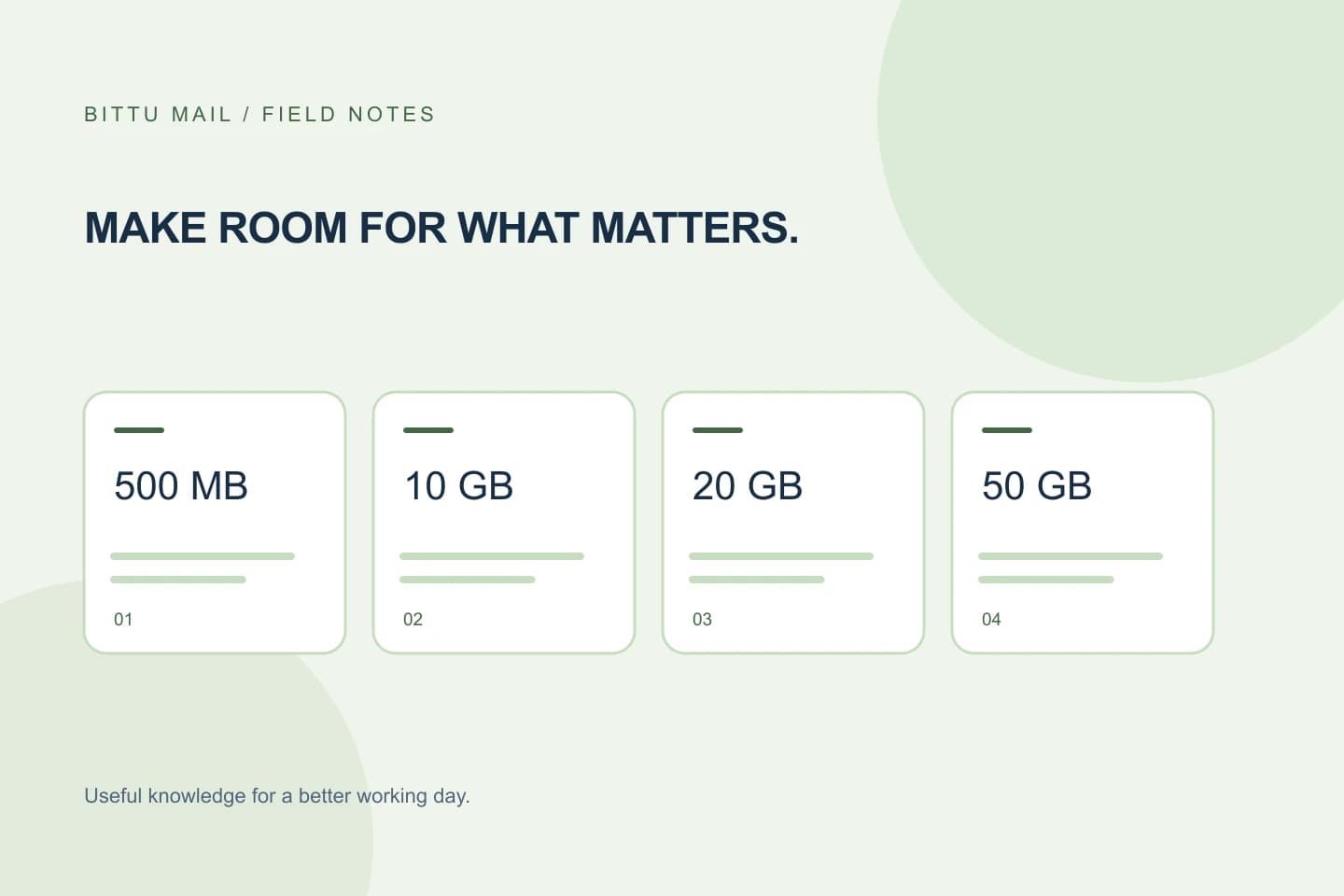
Free personal BITTU Mail mailboxes start with 500 MB. Business Starter, Standard, and Premium provide 10, 20, and 50 GB per mailbox, respectively. Check /pricing or authenticated checkout for current availability and terms. Storage pressure alone is not a reason to delete an uncertain record: first verify what is duplicated and what context you need.
About this guide
Prepared with AI assistance for the BITTU Mail editorial library. Check important details against your original messages and current account settings. Product access depends on your role, plan and provisioning state. Provider interfaces and requirements can change.
View current plans · Security information · Suggest a correction