A renewal budget is useful even before you know the final amount—but only if it separates what you know from what you are assuming. Start with the people and storage your email setup needs, then make a clearly labelled estimate rather than treating an old price or a per-month figure as a confirmed bill. When it is time to renew, check BITTU Mail’s current pricing or authenticated checkout and update the budget with the displayed total, taxes, term and renewal conditions. That gives you a practical planning figure without pretending uncertain costs are fixed.
The useful bits
- Label every unconfirmed price, tax and renewal condition as an assumption.
- Estimate from the mailbox count and storage your team actually needs.
- Use the live pricing or checkout details to replace placeholders before approval.
Define what the renewal must cover
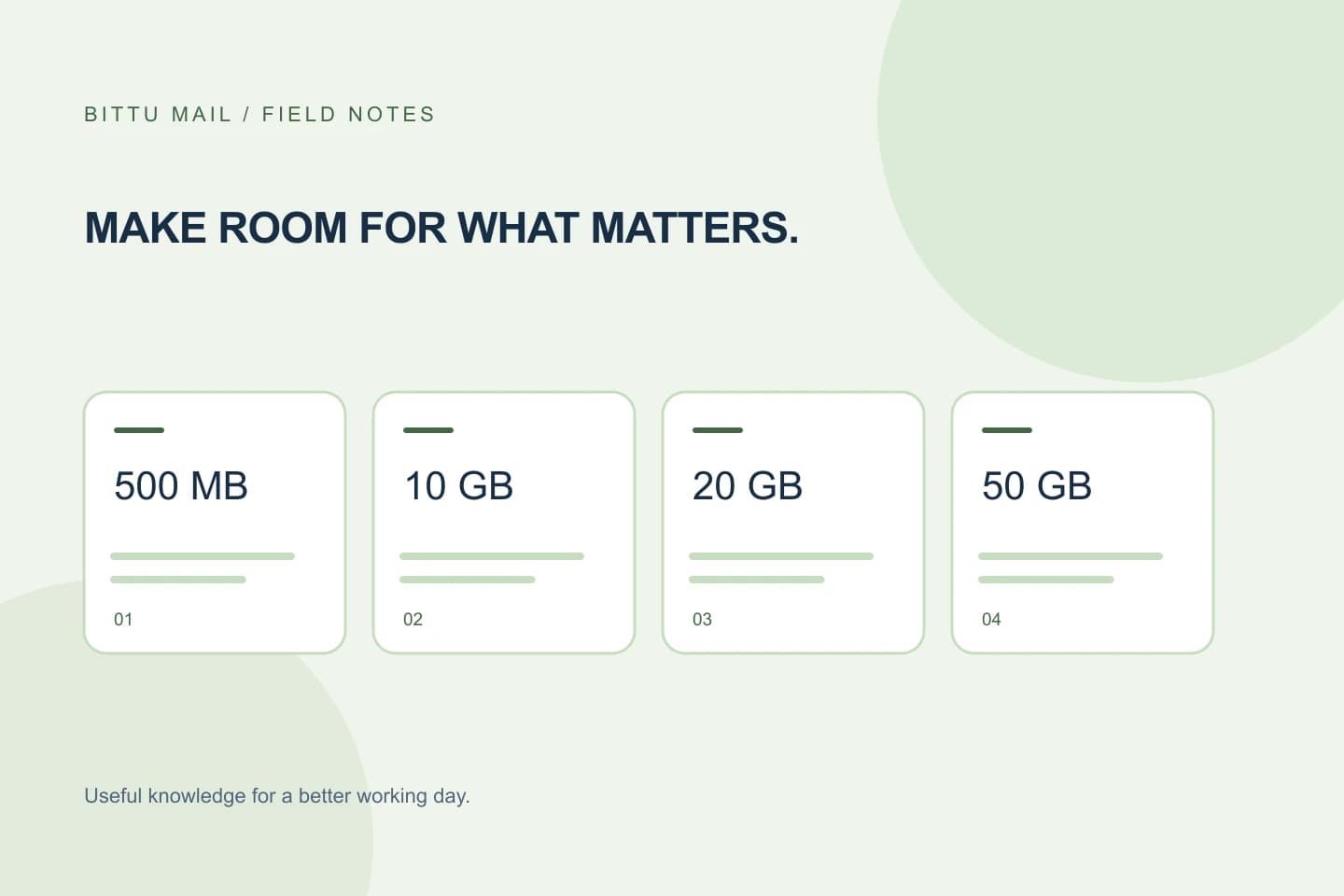
Before estimating cost, write down what you are renewing: the plan, the number of mailboxes, and any storage requirement that matters to the people using them. A business plan’s listed storage is per mailbox: Starter provides 10 GB, Standard 20 GB and Premium 50 GB per mailbox. Choose based on the workspace’s needs, not simply the largest allowance.
Keep account setup separate from mailbox count. An alias is not automatically an independent mailbox or login, so do not count an alias as a separate mailbox unless your actual setup includes a separately provisioned mailbox. If you are unsure what is provisioned, ask an authorised workspace or domain administrator to confirm.
Create an estimate with visible assumptions
Build a small worksheet with one row for each cost component. Useful columns are: item, quantity, estimate or source, confidence, and date checked. Enter the current plan and mailbox count, then leave the price as a placeholder until you can verify it. If you need a planning number before then, mark it clearly as an internal estimate and record where it came from; do not present it as BITTU Mail’s current price.
Keep the term and tax assumptions visible too. For example, if you do not yet know whether the displayed amount covers the full upfront term or includes applicable taxes, write “unconfirmed” rather than silently treating either as settled. A blank or labelled assumption is safer than a precise-looking total built on unknowns.
Plan: Starter
Mailboxes: 6 (assumption; confirm provisioned count)
Storage allowance: 10 GB per mailbox
Price: placeholder — check live pricing or checkout
Term: unconfirmed
Taxes: unconfirmed
Renewal terms: unconfirmed
Budget status: estimate only
Use a practical planning calculation
For an early estimate, make the arithmetic easy to audit: estimated plan amount for the selected term, plus any separately identified taxes or charges you have confirmed, equals the planning total. If a price is not confirmed, show the total as incomplete rather than filling the gap with a guess. Avoid multiplying a monthly figure across a term unless the pricing or checkout clearly supports that calculation.
For a team, check that the mailbox quantity in your worksheet matches the intended renewal scope. If six people need separate mailboxes, use six as the planning quantity only after confirming that the workspace actually has those mailboxes and that the chosen plan fits their storage needs. This is a budgeting check, not a claim about what a particular account will be charged.
Replace estimates with live terms
When ready to verify, check the current details at BITTU Mail’s pricing page or in authenticated checkout. Confirm the plan, quantity, live price, upfront term total, applicable taxes, availability and renewal terms shown for your purchase. These details can be account- or purchase-specific, so do not rely on a saved estimate as proof of the amount due.
Update each worksheet field from the displayed information, and record when you checked it. If checkout shows a different plan, quantity or term from the budget, pause and resolve the difference before asking for approval. A one-time checkout does not by itself imply an automatic charge or mandate; read the renewal terms shown rather than assuming how future billing works.
Make the budget easy to approve
Present the estimate and confirmed amount as separate figures. A short note can say which fields are still assumptions, who needs to confirm them, and when the live details were checked. If a decision-maker needs a ceiling before the final amount is available, request approval for a clearly defined planning limit, not an invented product price.
Keep a copy of the updated worksheet with the plan and term details used for the decision. Avoid storing passwords or one-time codes in budget notes. Access account actions only through the official sign-in and account routes; use an authorised administrator for workspace details when your role does not permit access.
Confirm the estimate is no longer an estimate
Before treating the budget as final, compare the worksheet against the live pricing or authenticated checkout display. Check that the plan and mailbox quantity match, the upfront term total is recorded, taxes are handled as displayed, and renewal terms are not left as assumptions. If any field is unavailable or unclear, keep it labelled unconfirmed and seek clarification through the appropriate account or purchase route.
The result is a budget that can be revised without confusing a planning placeholder for a committed cost. Recheck the live details whenever the renewal decision is made; the worksheet helps organise the decision, but it does not replace the amount and terms shown for the actual purchase.
About this guide
Prepared with AI assistance for the BITTU Mail editorial library. Check important details against your original messages and current account settings. Product access depends on your role, plan and provisioning state. Provider interfaces and requirements can change.
View current plans · Security information · Suggest a correction